Inside our resumable, review-gated video production pipeline
How we built a local seven-step pipeline that turns a history topic into a captioned video, with resumable state, bounded retries, and a human review gate.
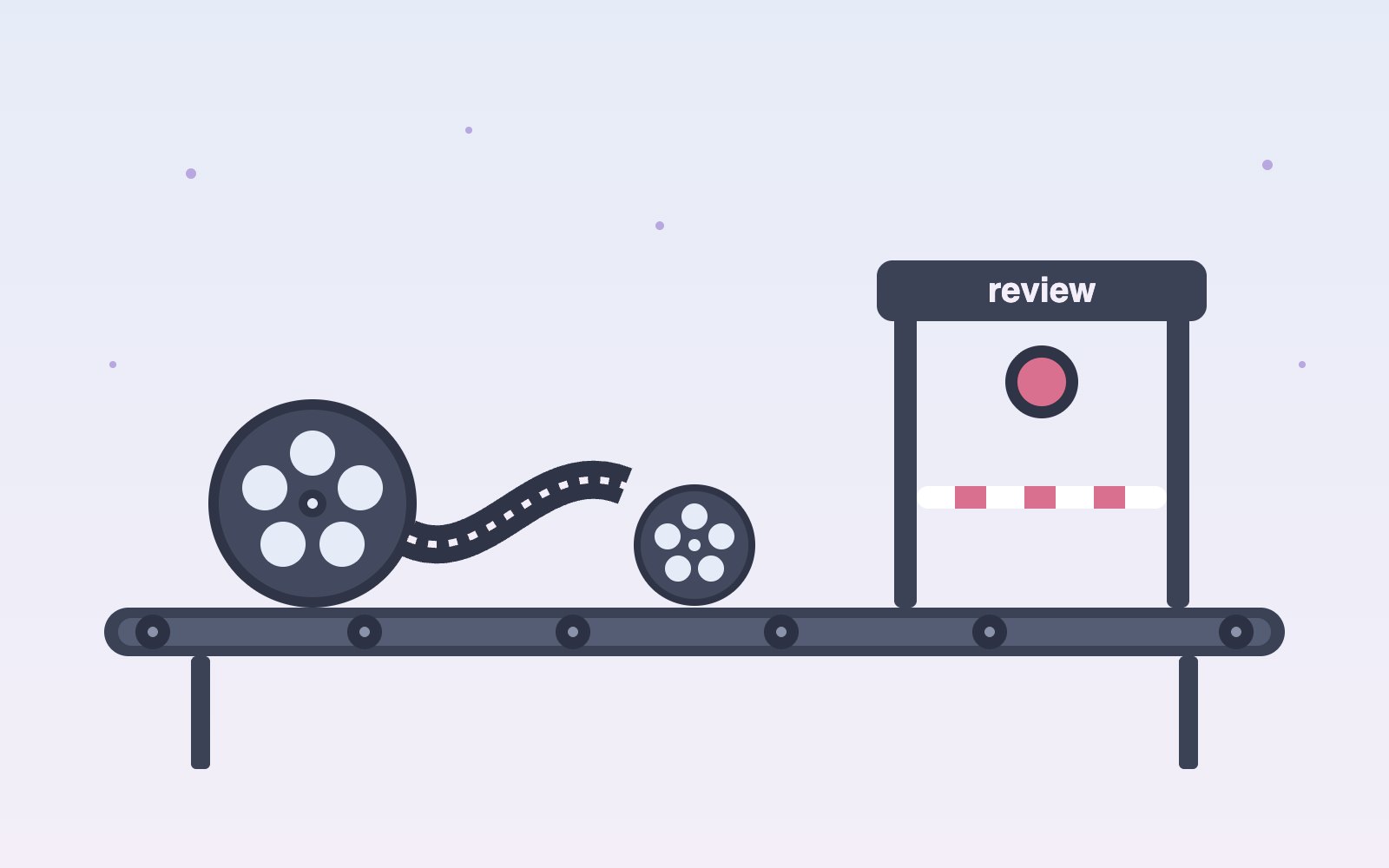
Every video we make starts as a single history topic and ends as a finished, captioned 1080p file sitting in a queue, waiting for a person to watch it before anything else happens. In between, there is a pipeline of plain Python scripts, one for each step, and a single command that runs the lot from top to bottom. It is not glamorous. It does not have a mascot. What it does have is a very good memory, a healthy suspicion of anything an AI model tells it, and a firm rule that no video leaves the building without human eyes on it first. This is the story of how it works, where it tripped us up, and the one design decision we argued about longer than any other.
Seven steps and one command
The pipeline runs seven steps in a fixed order: script, narration, visuals, captions, render, description and thumbnail. Each one is its own small Python script that does one job and hands its results to the next. You can run any of them on their own when you want to poke at something, but most days we type one command and let the whole line roll. We like this shape because it keeps problems small. When the thumbnail looks odd, we know exactly which script to open, and we do not have to scroll through a thousand lines of everything else to find it. It also means each step can be improved, tested or swapped without the rest of the line noticing that anything changed at all.
The first step writes the script. An AI model drafts it, and it grounds the draft in web search so the history comes from somewhere real rather than from a confident guess. The script is split into segments, and each segment later gets its own narration, pictures and captions, so the numbering matters a great deal. We could let the model number the segments itself, and it would probably be fine most of the time, which is exactly the kind of fine that ruins an evening. So the pipeline assigns the segment numbers on its own after the text comes back. The model is great at writing sentences about history. Counting to twelve reliably, it turns out, is a job we would rather keep for ourselves.
Teaching a voice to keep time
Narration comes from ElevenLabs, using its text to speech option that returns timestamps along with the audio. That detail sounds dull until you need captions that land on the right word at the right moment. The timestamps arrive per character, which is wonderfully precise and also slightly absurd for our purposes, since nobody reads captions one letter at a time. So the pipeline walks through those characters and stitches them back into words, giving each word a start time and an end time. From there, everything downstream knows exactly when each word is spoken. The captions use it, the render uses it to size each clip, and nobody has to sit with a stopwatch nudging subtitles by hand at eleven at night.
The run that died at step six
Picture this. It is nearly midnight, the run has been going for a while, and it dies at step six. Maybe the laptop went to sleep, maybe a network call gave up, maybe someone closed the wrong terminal window. Without a memory, that would mean starting again from the script and making all that narration a second time. Now, every time a step finishes cleanly, the pipeline writes it down in a small state file. Run the command again and it reads that file, skips everything already done, and picks up right where it stopped. Step six gets another go, and steps one through five stay politely untouched. The whole recovery takes about as long as a tired sigh.
The same memory works as a guard rail. If you try to start the pipeline at a later step, say jumping straight to the render, it checks the state file first. When the earlier steps are not recorded as finished, it refuses to run and tells you why. That can feel a little stubborn in the moment, especially when you are sure the files are all there. But the alternative is worse. A render that quietly uses half finished captions or last week's narration produces a video that looks fine at a glance and wrong on a second watch. We would rather be told no at the start than discover the mistake after the whole thing has been assembled and is waiting in the queue.
When a photo says one thing and shows another
For pictures, the pipeline searches two wonderful public archives, the Library of Congress and Wikimedia Commons, using keywords pulled from each segment of the script. Searches like that return plenty of candidates, some brilliant and some baffling. An AI model looks over the results for each keyword and picks the best one or two. That would be the end of it, except archives are written by people, and people label things in all sorts of ways. A photo's title might name a famous general while the image itself shows the general's horse, a crowd in a field, or the building where the photo was later stored. The credit line might describe the collection rather than the subject. The words and the picture do not always agree.
So there is a second check, and it does not read the label at all. A vision model looks at the actual pixels of each chosen image and asks a simple question: does this picture show what the segment is talking about. If the script is describing a steam locomotive and the photo is a portrait of a man in a very fine hat, the photo is out, no matter how confidently its title says locomotive. This step catches the mix ups that text alone never would. It also saves us from the particular embarrassment of narrating a dramatic moment over a picture of an unrelated train station in winter, which is a sentence we are glad we only have to write hypothetically.
Captions, slow zooms and a patient queue
Captions are grouped into chunks of about five words, and the grouping pays attention to sentences, so a caption does not end on a dangling word that belongs with the next line. Once the groups are set, ffmpeg burns them straight into the video frames. The render step then builds the pictures into slow pan and zoom clips, the gentle drift across a still photo often called the Ken Burns effect. Each clip is cut to the exact length of its narration, using those word timings from earlier, so the image changes when the voice moves on and not a beat before. It is a small thing, but a still photo that lingers after its sentence has ended feels oddly like someone forgot to turn the page.
The last two steps write a description and make a thumbnail, and then the pipeline does something we are quite proud of. It stops. Nothing is uploaded automatically, ever. The finished video, with its description and thumbnail, goes into a queue marked as pending review, and it sits there until a person watches it and decides what happens next. That review is not a formality. It is the point where a human catches the odd pronunciation, the caption that splits a name in half, or the photo that passed every check and still feels wrong. Automation gets the video most of the way there. A person decides whether it is actually ready to be seen by anyone else.
The hardest decision was how to fail
The decision we went back and forth on the most was not about pictures or voices. It was about what to do when something fails. An early version of the pipeline had a habit we did not notice at first. When the model review of the images failed, it quietly swapped in a set of simple rules instead and carried on as if nothing had happened. Later, a wrapper around the vision check did something similar, skipping the check entirely whenever a call failed, and saying nothing about it. The videos still came out. They just came out having skipped the very steps that were meant to protect them, and there was no sign in the logs that anything had gone missing.
So we removed the silent fallbacks. Now, when a model call fails or comes back empty, the pipeline waits and tries again, first after 10 seconds, then 30, then 60, and it keeps trying until it gets a real answer. During the long waits it prints a heartbeat line to the log, so a quiet stretch looks like patience rather than a frozen screen. Network calls that hit a rate limit, the familiar 429 response, are treated differently. They wait at most three times and then fail only that one keyword, leaving the rest of the run alone. Slow and honest beats fast and wrong, especially when the wrong version would have looked perfectly fine.
None of this makes the pipeline clever. It makes it dependable in the ways that matter to us. It remembers where it stopped, so a midnight crash costs a rerun instead of an evening. It checks pictures by looking at them as well as reading about them, so a mislabeled photo does not slip into the story. It refuses to paper over failures, so when something goes wrong we hear about it right away instead of discovering it later. And at the very end, it hands the finished video to a person instead of to the internet. Seven steps, one command, and a queue that says pending review until someone who actually watched the video says otherwise.
More articles
What is Hermes?
Hermes is an open source AI agent harness from Nous Research that runs on your own computer, uses tools, remembers past sessions and learns skills. Here is what it does and how to install and set it up.
Meet the Night Sky UI Kit
Three animated React components for dark, night-sky themed sites: a star cursor, a twinkling starfield and a soft aurora glow. Here is what's inside and how to add it.

Behind the Star Cursor
How the Star Cursor draws its comet tail and sparkle dust, and why it quietly steps aside on touch screens and for anyone who prefers reduced motion.
The moon is, in fact, an inanimate, dusty old rock
The moon is a layered ball of rock about 4.5 billion years old, wrapped in sharp gray dust and almost no air. Here is what it is made of, where it probably came from and why it barely changes.
How solar storms mess with satellites
The sun has weather, and some of it reaches us. Here is how solar flares and the storms that follow can sink satellites, scramble GPS and even trip power grids, and how people keep watch.
Patterns in sound
Sprinkle salt on a drum, play a steady note, and the grains slide into neat lines and rings. Here is why sound draws pictures, who first noticed, how to try it at home, and what all this has in common with a snowflake.
Most of the sound around you goes unheard
Human ears catch only a middle band of all the sound there is. Here is what we miss, which animals hear it, and why the hums and whines from our own gadgets can still get under our skin.
What is LaserSETI?
LaserSETI is a growing network of rooftop cameras that watch huge patches of the night sky for a single-color flash of light. Here is how it works, where the stations are in 2026, and what it has (and has not) found.
Most of the light around you is invisible
Our eyes catch only a thin band of all the light there is, from violet to red. Here is what we miss, which animals see more of it, and how we use the invisible rest every day.

The science of music
Why a good chorus gives you chills, why the Mozart effect fizzled, and why some songs refuse to leave your head. Here is what the research actually says about music, mood and focus.
Bill Nye is still teaching
A science show from the 1990s is still turning up in classrooms. Here is what Bill Nye the Science Guy was, why so many grownups remember it so fondly, and why teachers keep pressing play.

Why is the sky blue?
The sky is blue because the tiny bits of gas in the air reflect blue sunlight around much more than red light, so blue reaches our eyes from every part of the sky.
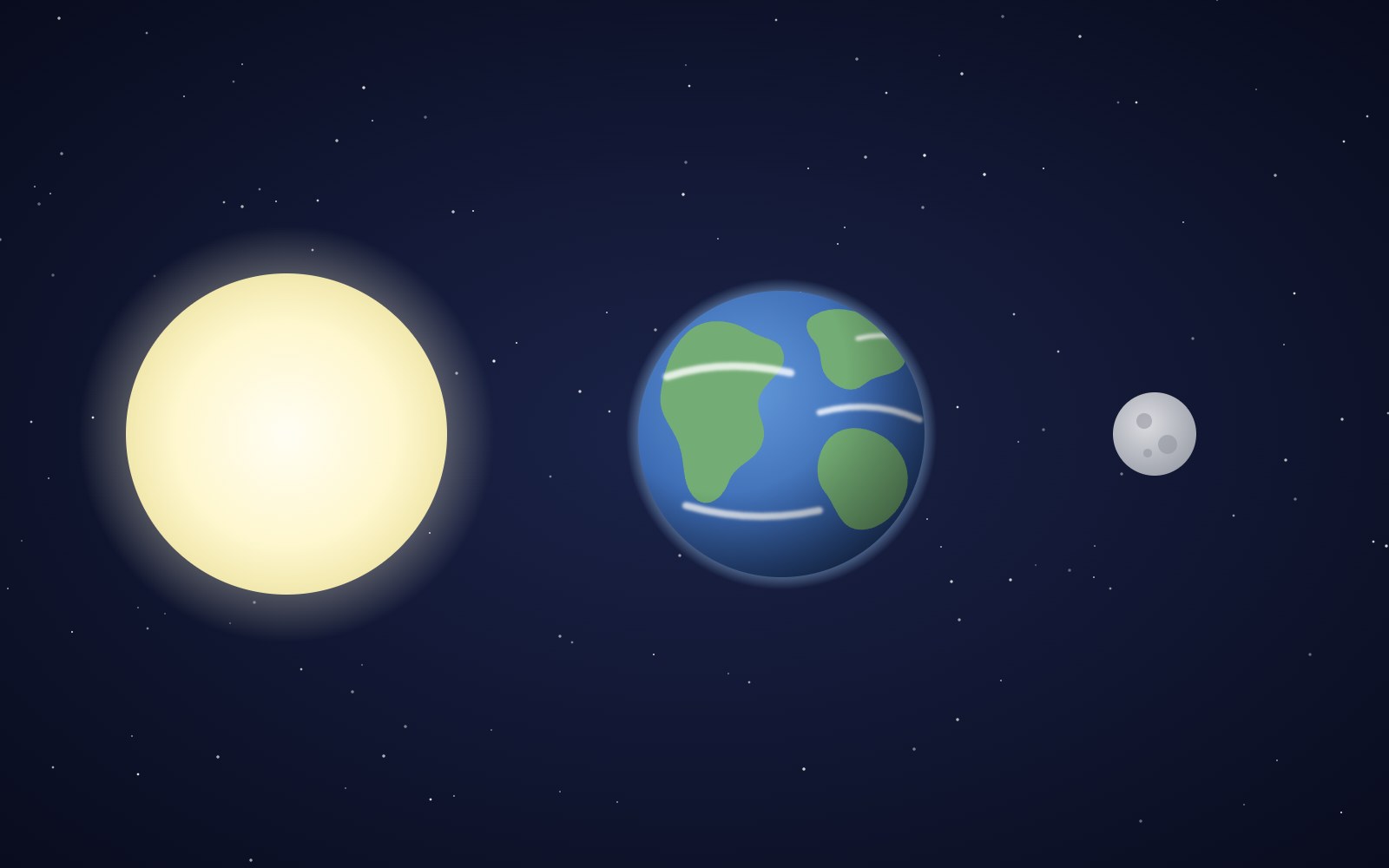
Why the sun and moon look the same size
The sun is about 400 times wider than the moon and also about 400 times farther away, so the two discs look almost the same size in our sky. That match is a coincidence of timing, and it will not last forever.
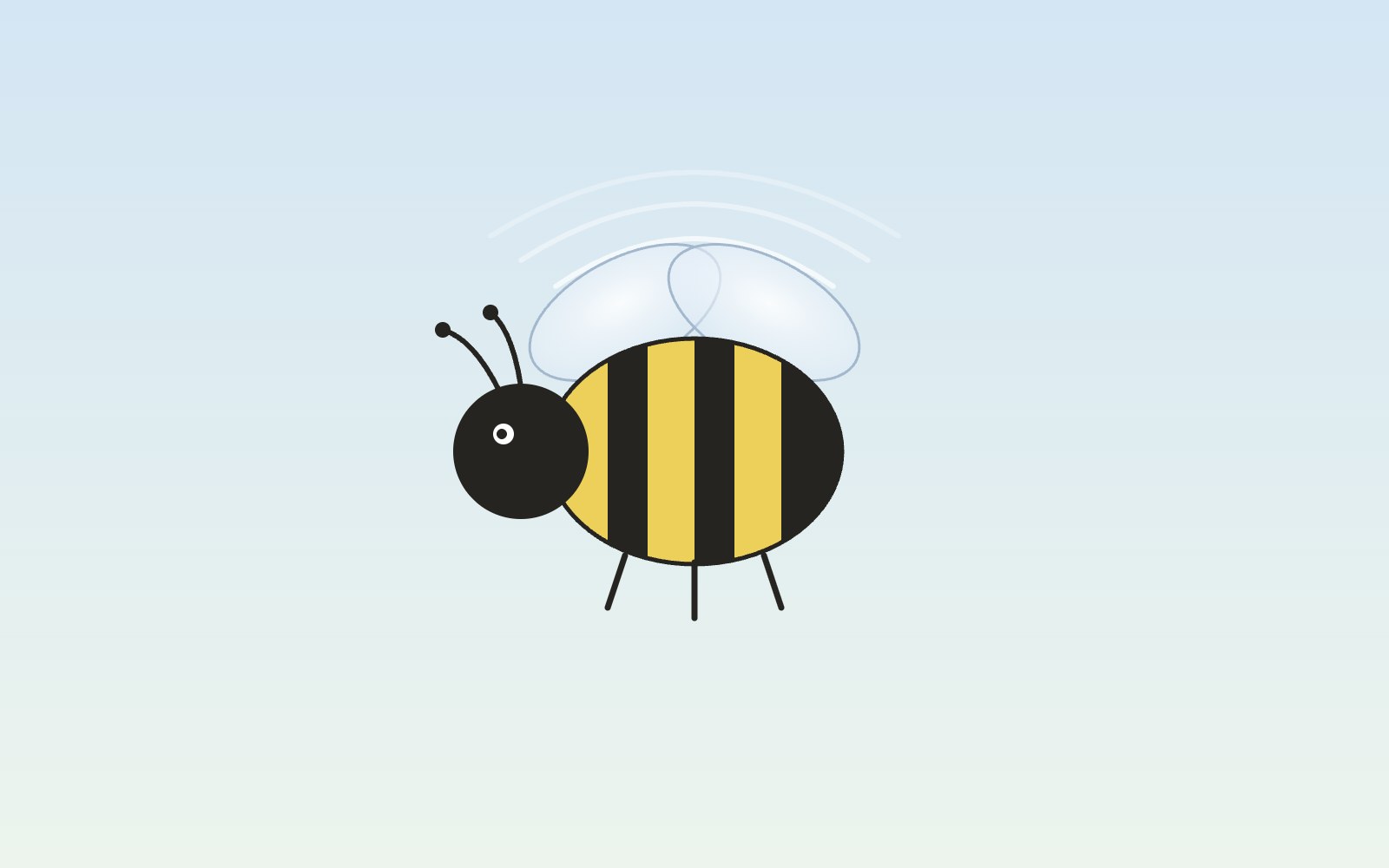
Bees fly more like drones than planes
A bumblebee stays in the air the way a drone or helicopter does, by moving its wings fast instead of racing forward over a stiff wing.

The earth is, in fact, actually round
You can check that Earth is round from a beach, a campsite or a phone call to a friend in another time zone. People worked it out more than two thousand years ago, and one of them even measured it with shadows.

5 trendy UI effects
A star cursor with a comet tail, frosted glass panels, scroll-driven animation, smooth page transitions and gradients that actually move, plus the one tip we would give for each.
How to make cards lift as you scroll on a phone
Phones can't hover, so our blog cards used to sit flat on mobile. Here's the small CSS class and IntersectionObserver we use to lift whichever card is in the middle of the screen as you scroll.
What llms.txt is, and how we added one to our site
A plain-English look at llms.txt, the proposed markdown file that gives AI assistants a short map of your site, what it can and can't promise, and how we wrote and tested our own.
Tell Google who you are with a few lines of code
Small business names collide, and search engines have to guess which one you meant. Organization structured data is one way a site owner can stop them guessing. Here's what it is, what we put in ours, and how to test it.
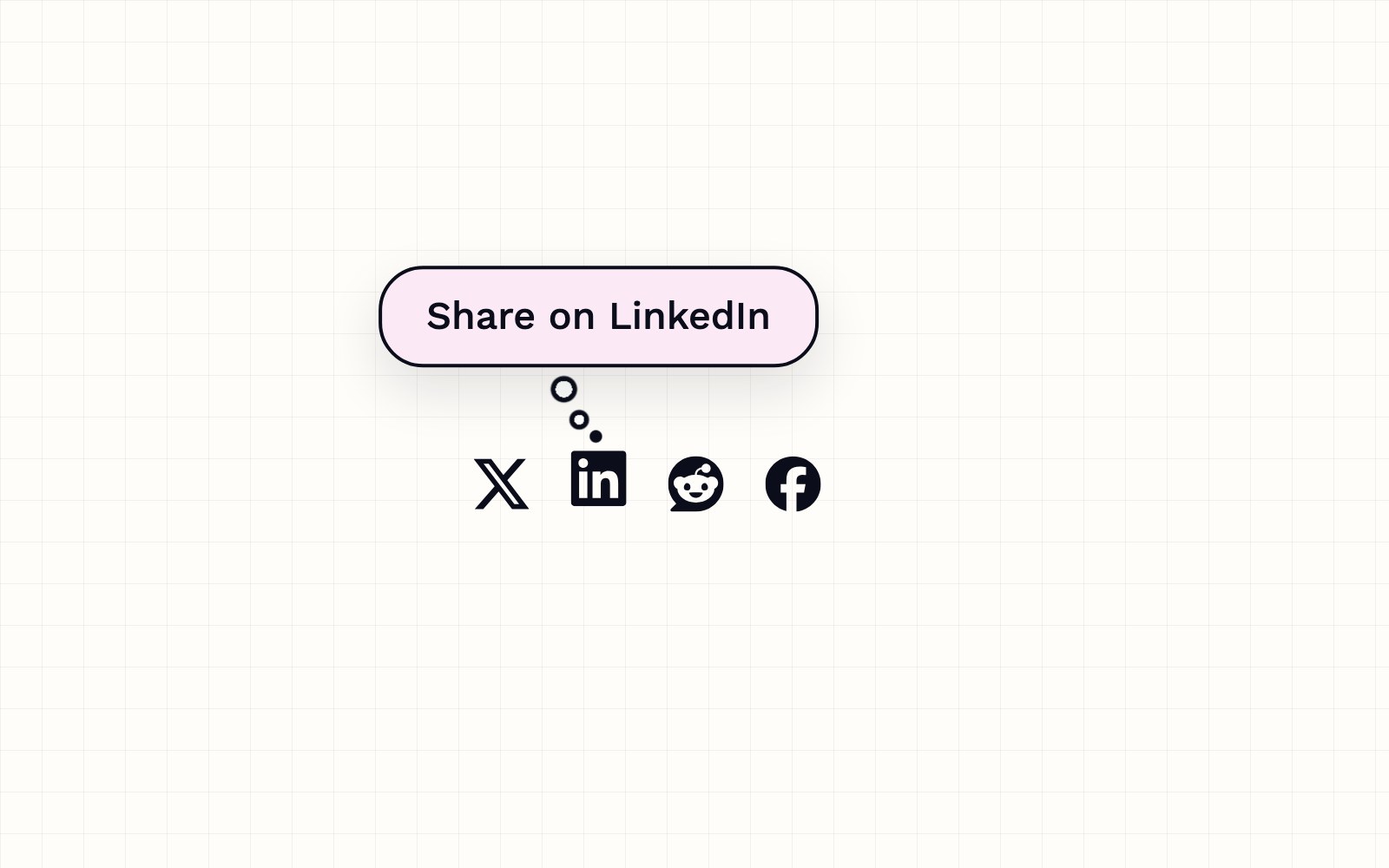
How to build a thought-bubble tooltip with pure CSS
A step-by-step CSS tutorial for a tooltip that reads its label from a data attribute, pops up in a rounded bubble, trails off in three little circles and stays clickable, with no JavaScript.

Building night sky effects that know when to sit out
How the Night Sky UI Kit's star cursor, starfield and aurora check the visitor's device and settings before they draw a single frame.

How you can set up pull requests to get an automatic first review
Give every pull request an automatic first review the moment it opens, and send each new pull request and its review to a dedicated Slack channel. Here is how the pieces fit.
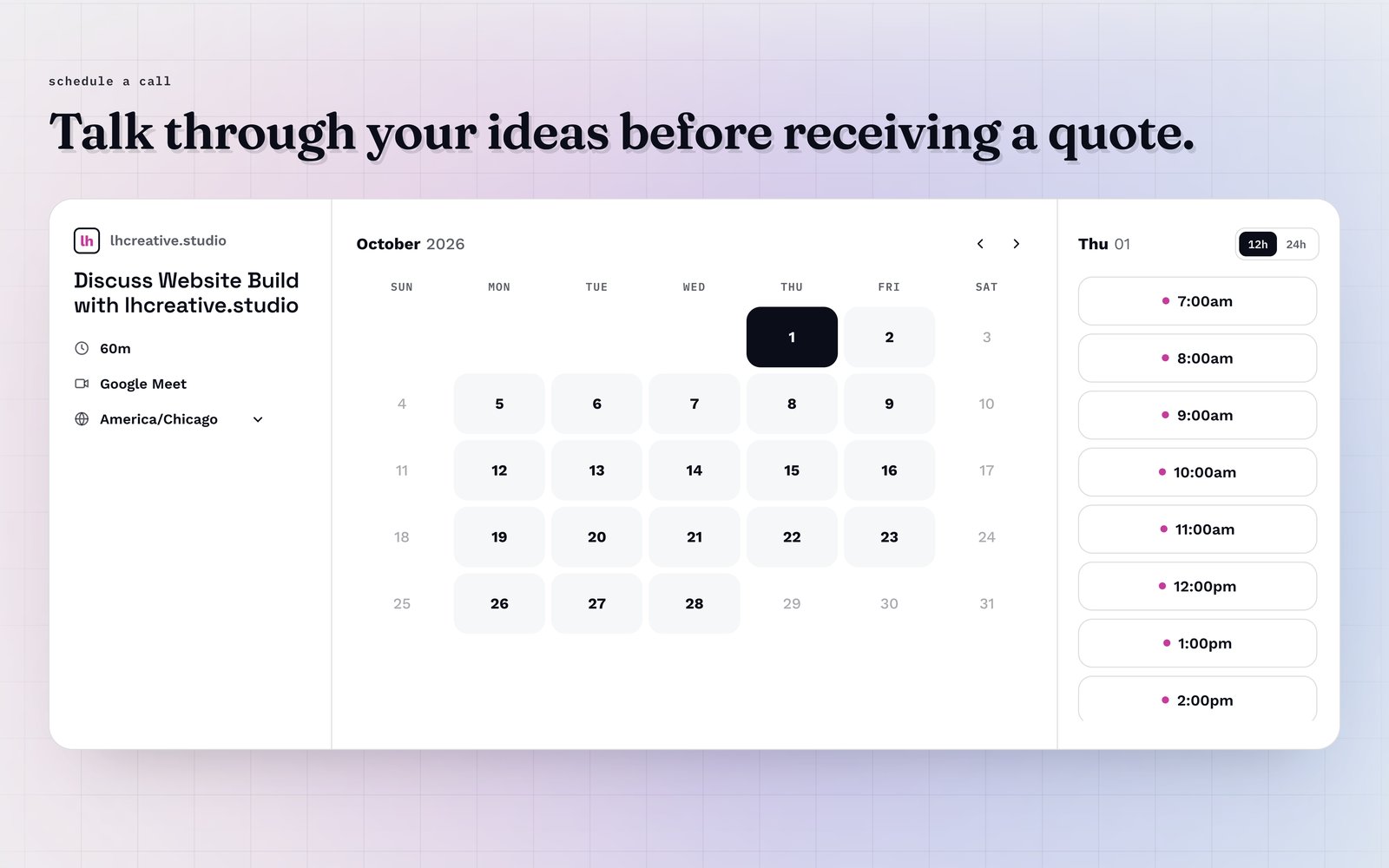
How visitors book a call on our site
Picking a time with us takes a few clicks and never leaves the page. Here is how the booking calendar on our site works, and the small checks that stop two people grabbing the same hour.
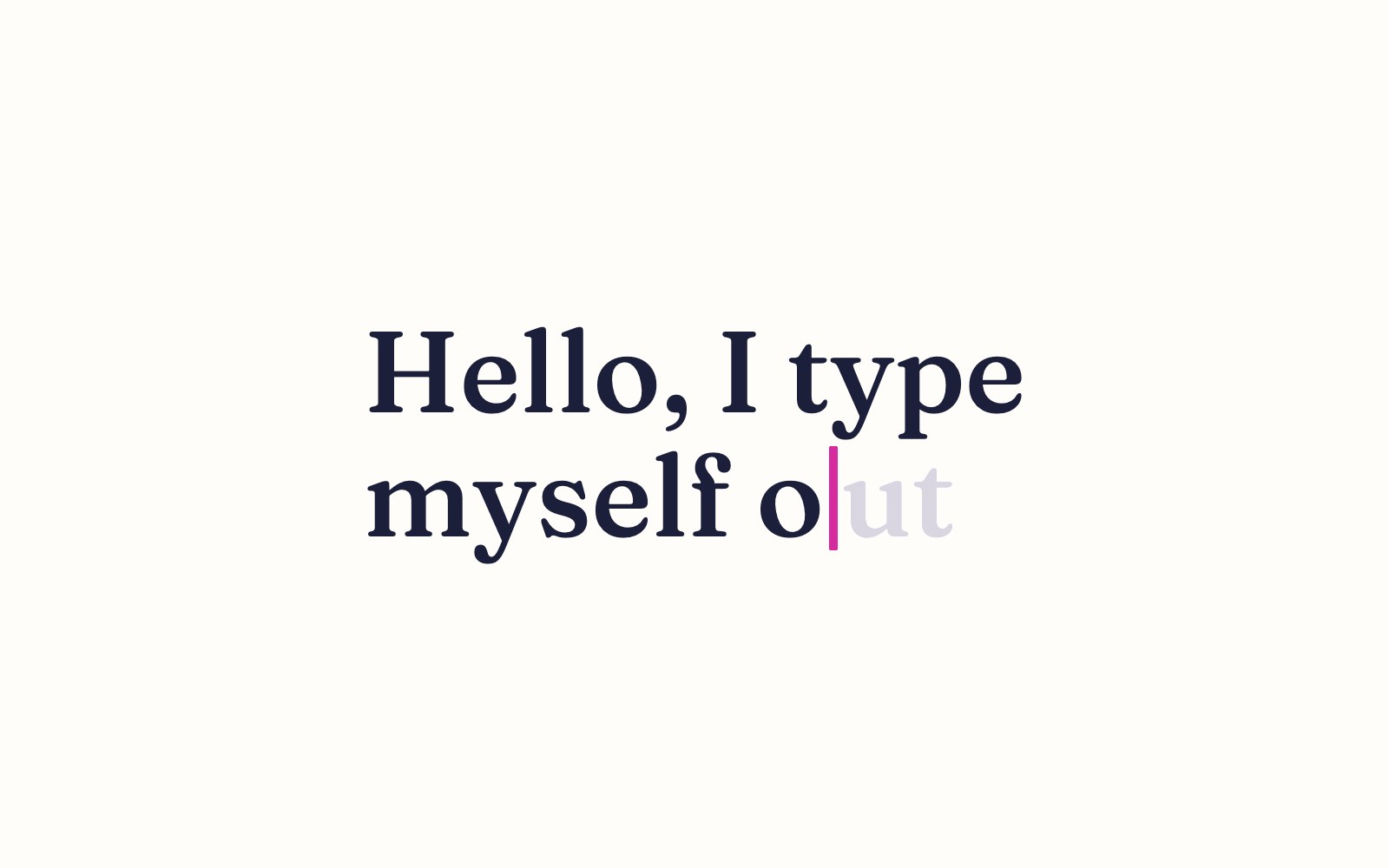
How to make a headline type itself out
Build a headline that types itself out letter by letter with a blinking cursor, using plain HTML, CSS and a few lines of JavaScript.
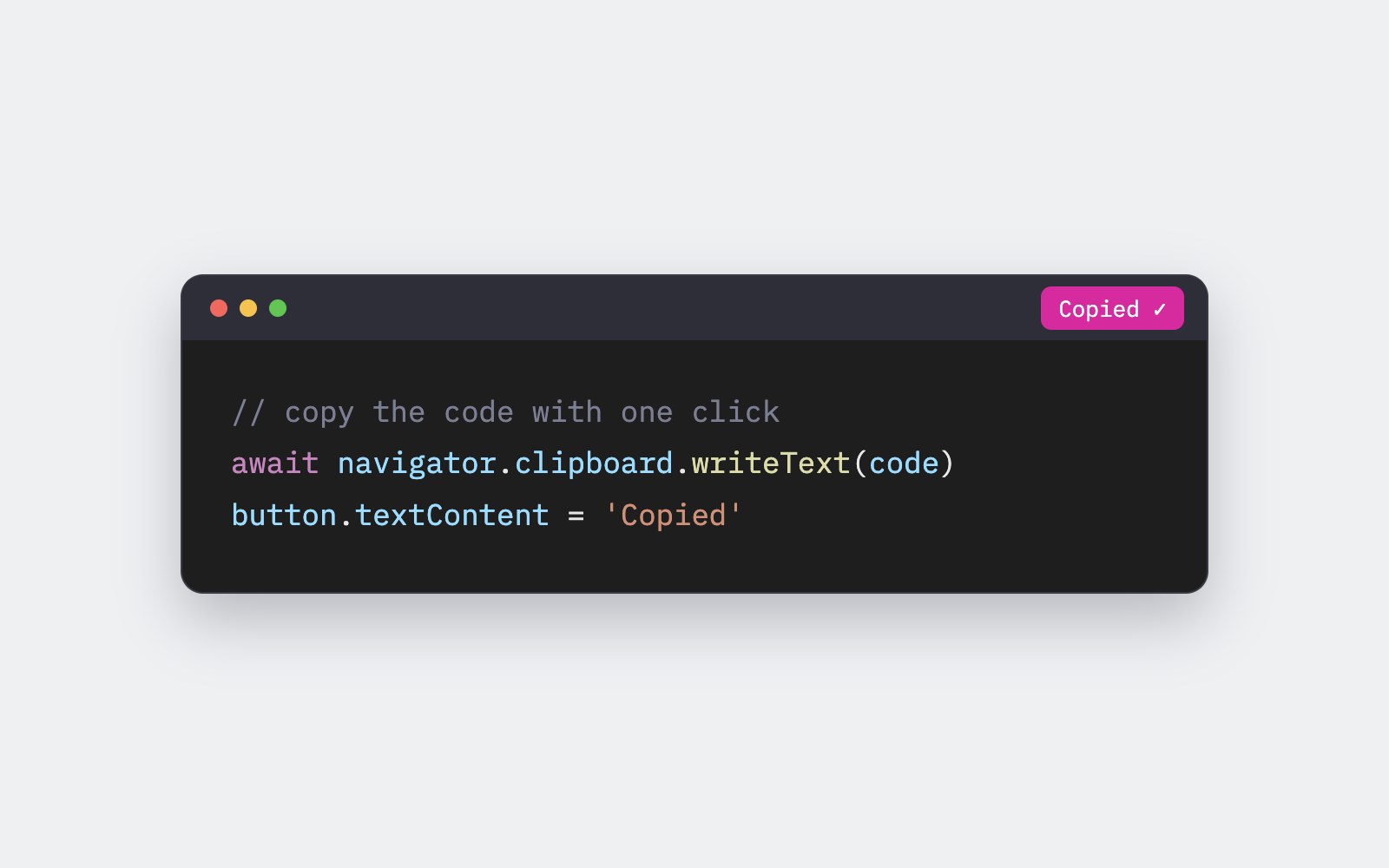
How to add a copy button to code blocks
Add a small Copy button to every code block on your page that copies the code, says Copied for a moment, and tells screen reader users what happened.

How to make a confetti burst on click
A no-library tutorial for a small burst of colorful confetti that pops out from the exact spot where someone clicks a link or button.
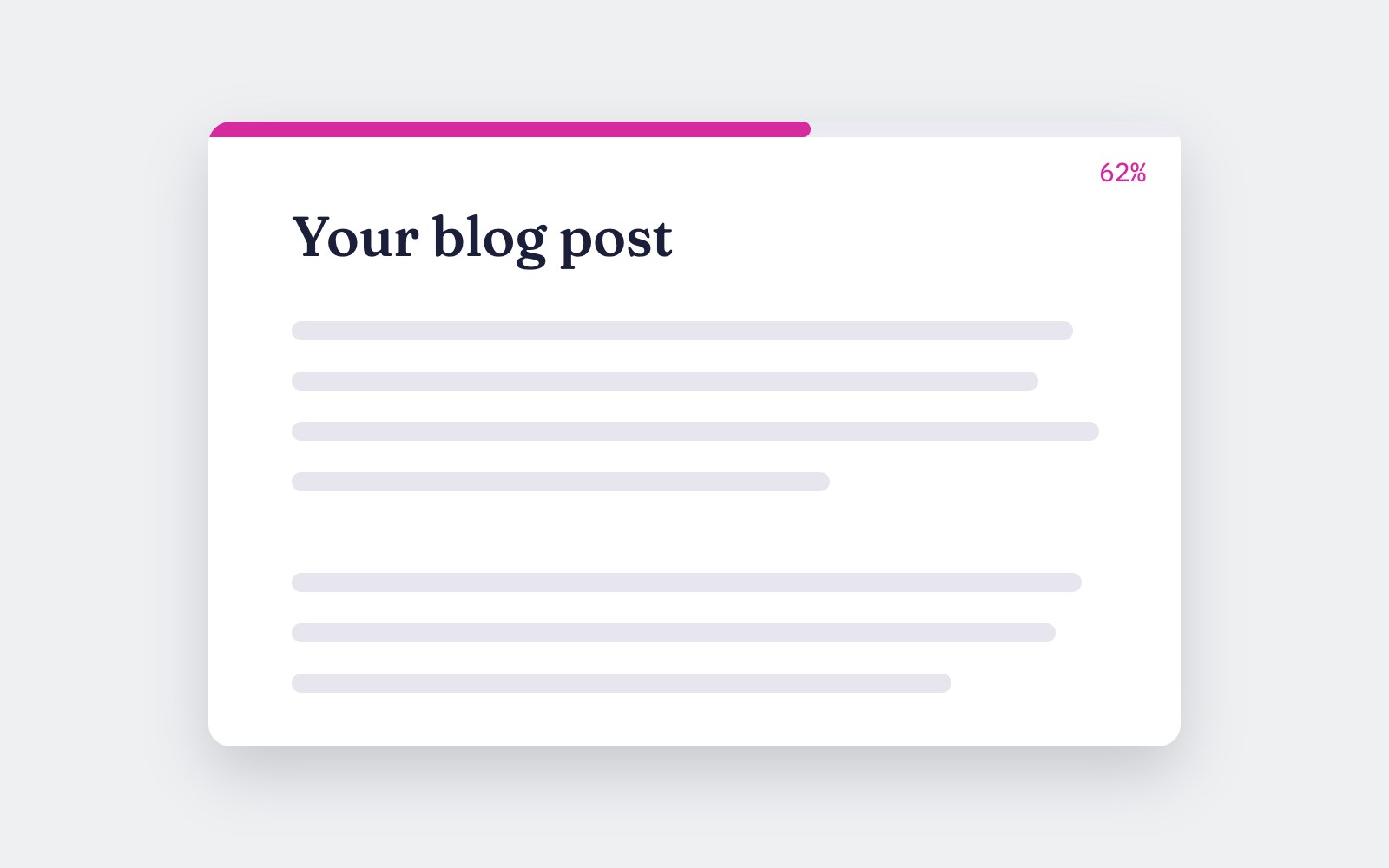
How to add a reading progress bar
Build a thin pink bar that fills across the top of the screen as someone reads your article, with a small JavaScript version and a pure CSS version for browsers that support scroll-driven animations.
How to build a dark mode toggle
A step-by-step tutorial for a dark mode that follows your visitor's device setting, adds a toggle button that saves their pick in localStorage, and never flashes the wrong theme on load.

How to make a glowing border spin
A pure CSS tutorial for a card with a pink, purple and blue gradient border that spins around the edge and glows softly, with a calm static version for people who prefer less motion.