5 trendy UI effects
A star cursor with a comet tail, frosted glass panels, scroll-driven animation, smooth page transitions and gradients that actually move, plus the one tip we would give for each.
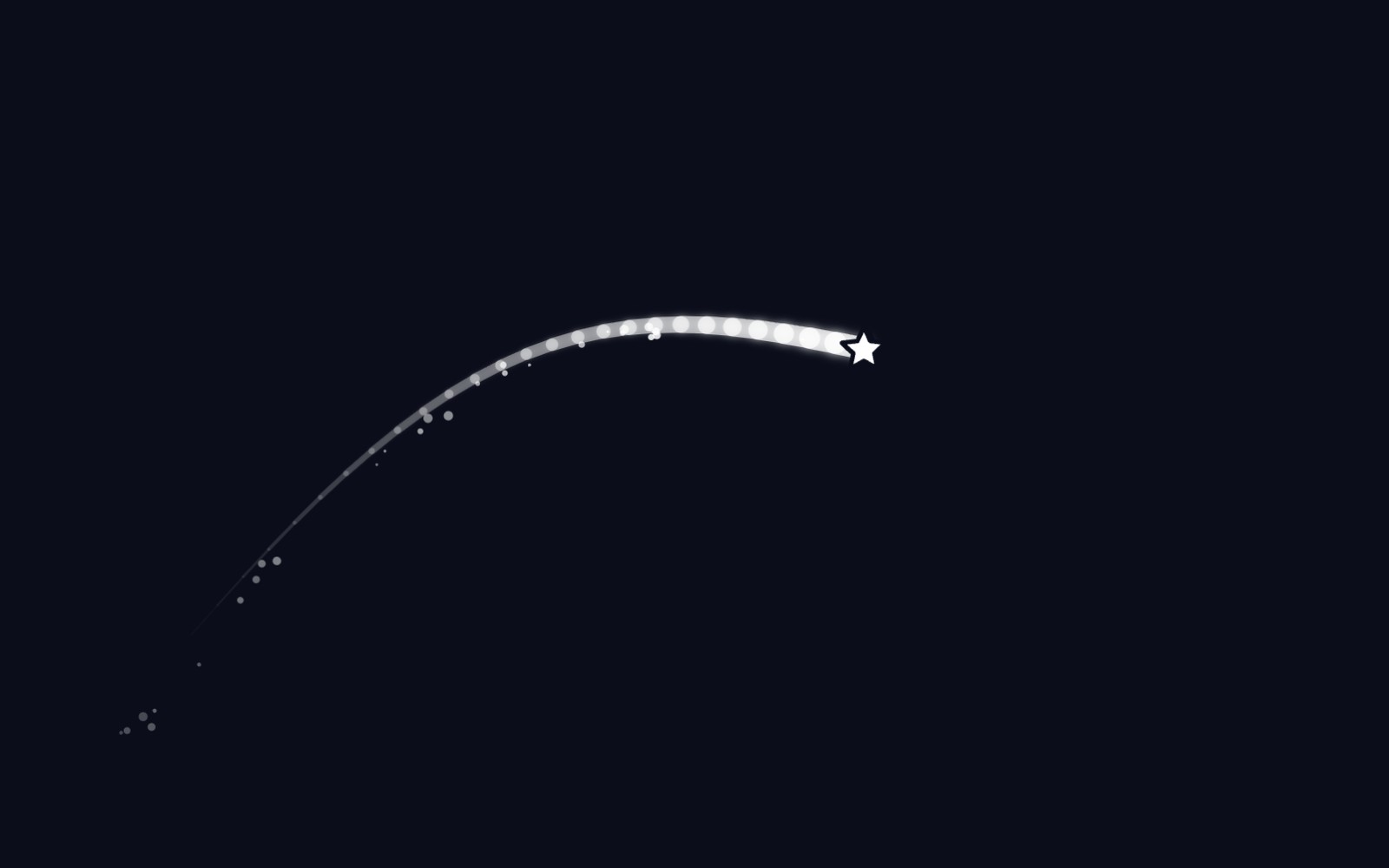
Every year the web picks up a few new party tricks. Some fade out fast, and some stick around because they make a page feel alive without getting in the way. Here are five effects we keep seeing, and in one case keep shipping. For each one we cover what it is, where it tends to show up, and one practical tip so it stays fast and polite. Yes, the first one is ours. We did warn you it was trendy.
1. A custom cursor with a comet tail
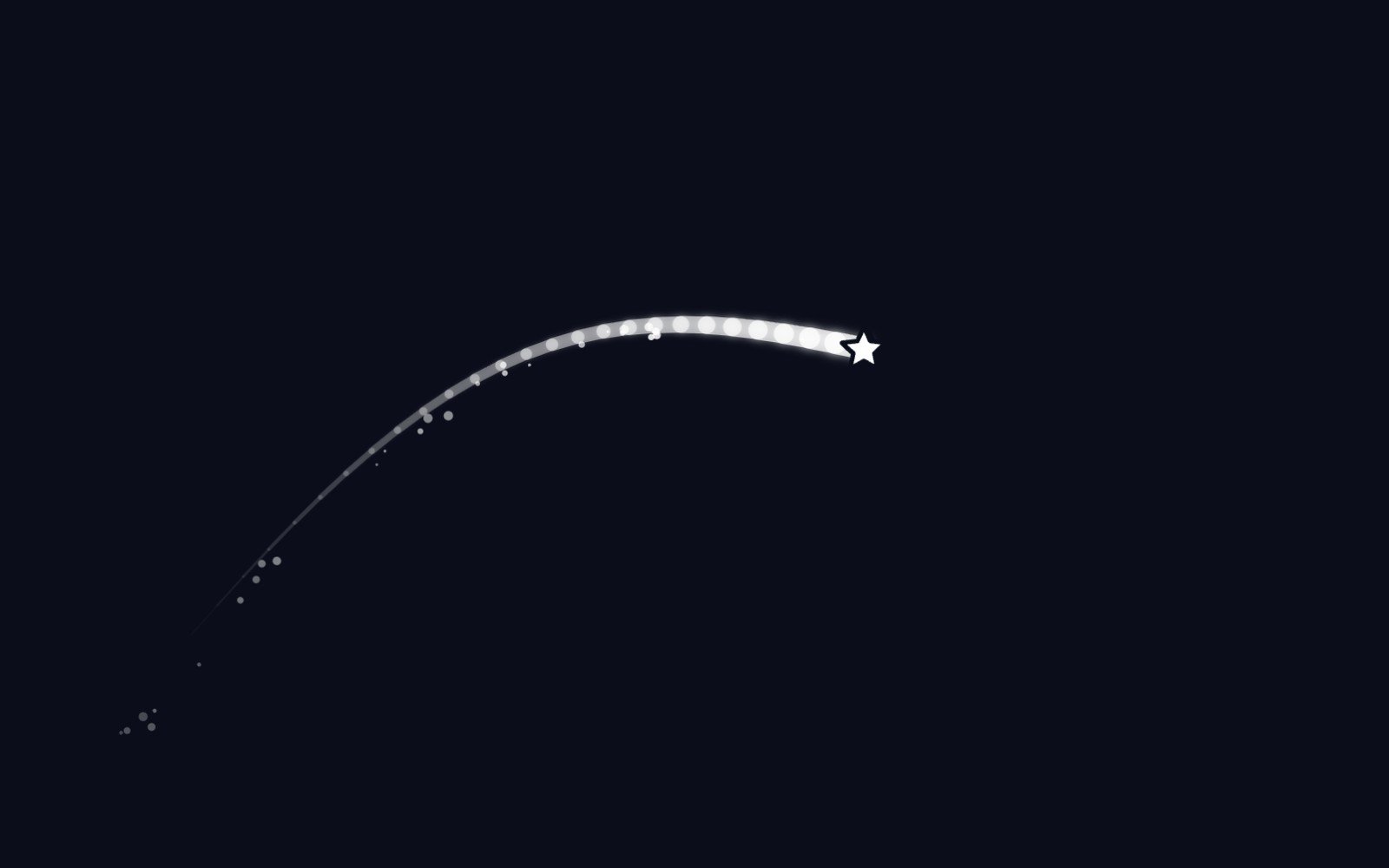
Our Star Cursor swaps the arrow for a white star that drags a glowing comet tail and sheds sparkle dust when you move quickly. It suits dark hero sections and portfolio pages where a little whimsy is welcome. The polite part matters more than the sparkle. It turns on only when the browser reports hover, a fine pointer and no reduced motion preference, so touch screens and motion-sensitive visitors get the normal cursor. The star is aria-hidden and never blocks clicks. Touch support is there if you want it, through a touch prop.
2. Frosted glass panels
Glassmorphism is the frosted look: a semi-transparent panel that blurs whatever sits behind it. You see it on navigation bars, cards and overlays placed over gradients or photos, and Nielsen Norman Group notes it is prominent in Apple and Microsoft design systems. In CSS it comes from backdrop-filter, which MDN lists as Baseline since September 2024. Our tip is about reading, not rendering. Text over a busy background can pass contrast in one spot and fail in another, so add more blur and a slightly more opaque fill, then check contrast against the worst patch.
3. Scroll-driven animations
Things that fade in, slide up or fill a progress bar as you scroll. It is everywhere on landing pages. The newer way to build it is CSS scroll-driven animations, where animation-timeline ties a keyframe animation to scroll position instead of time, so you skip the scroll listeners on the main thread. The catch: MDN still marks animation-timeline as limited availability, so treat it as an enhancement and keep IntersectionObserver as the widely supported fallback. And wrap the movement in a prefers-reduced-motion check, because scroll motion is exactly the kind that can make some people feel sick.
4. Smooth page transitions
The View Transition API lets a page morph from one state to the next, like a thumbnail growing into a full image or a header gliding into place, instead of a hard cut. Same-document transitions through document.startViewTransition became Baseline in October 2025, when Firefox 144 shipped them. Cross-document transitions between separate pages are opt-in on both pages with a small @view-transition rule. Browsers without support simply swap the content, so it degrades nicely. Chrome's docs suggest toning transitions down for reduced motion users rather than assuming they want nothing at all.
5. Gradients that actually move
Slowly shifting gradient backgrounds and glowing borders that rotate around a card are having a moment. For a long time CSS could not animate a gradient smoothly, because the browser had no idea what type a custom property held. The @property rule fixes that by registering a typed custom property, such as an angle or a percentage, which the browser can then interpolate. web.dev covered it reaching every modern browser in July 2024. Keep the motion slow and the area modest, and pause or freeze it under prefers-reduced-motion so the background stays a background.
None of these effects needs to be loud to work. The common thread is restraint: check what the device and the visitor want, and step aside when motion or contrast would get in the way. If you want to start with the fun one, the Star Cursor has a live preview you can play with and a Customize panel for size, tail and colors. It costs $9 on its own, or comes in the $19 Night Sky UI Kit.
More articles
Building night sky effects that know when to sit out
How the Night Sky UI Kit's star cursor, starfield and aurora check the visitor's device and settings before they draw a single frame.
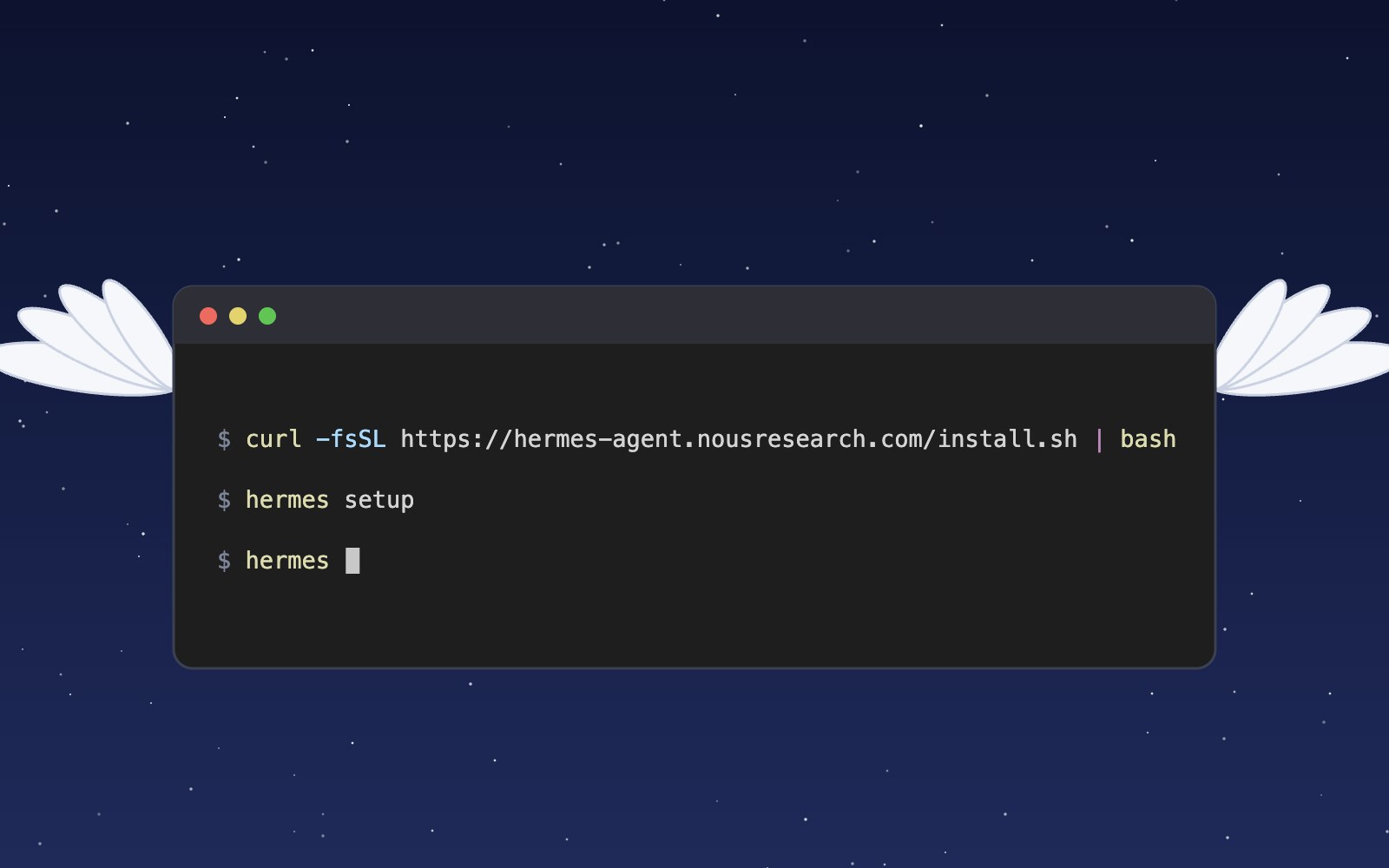
What is Hermes?
Hermes is an open source AI agent harness from Nous Research that runs on your own computer, uses tools, remembers past sessions and learns skills. Here is what it does and how to install and set it up.
Meet the Night Sky UI Kit
Three animated React components for dark, night-sky themed sites: a star cursor, a twinkling starfield and a soft aurora glow. Here is what's inside and how to add it.
Behind the Star Cursor
How the Star Cursor draws its comet tail and sparkle dust, and why it quietly steps aside on touch screens and for anyone who prefers reduced motion.
The moon is, in fact, an inanimate, dusty old rock
The moon is a layered ball of rock about 4.5 billion years old, wrapped in sharp gray dust and almost no air. Here is what it is made of, where it probably came from and why it barely changes.
How solar storms mess with satellites
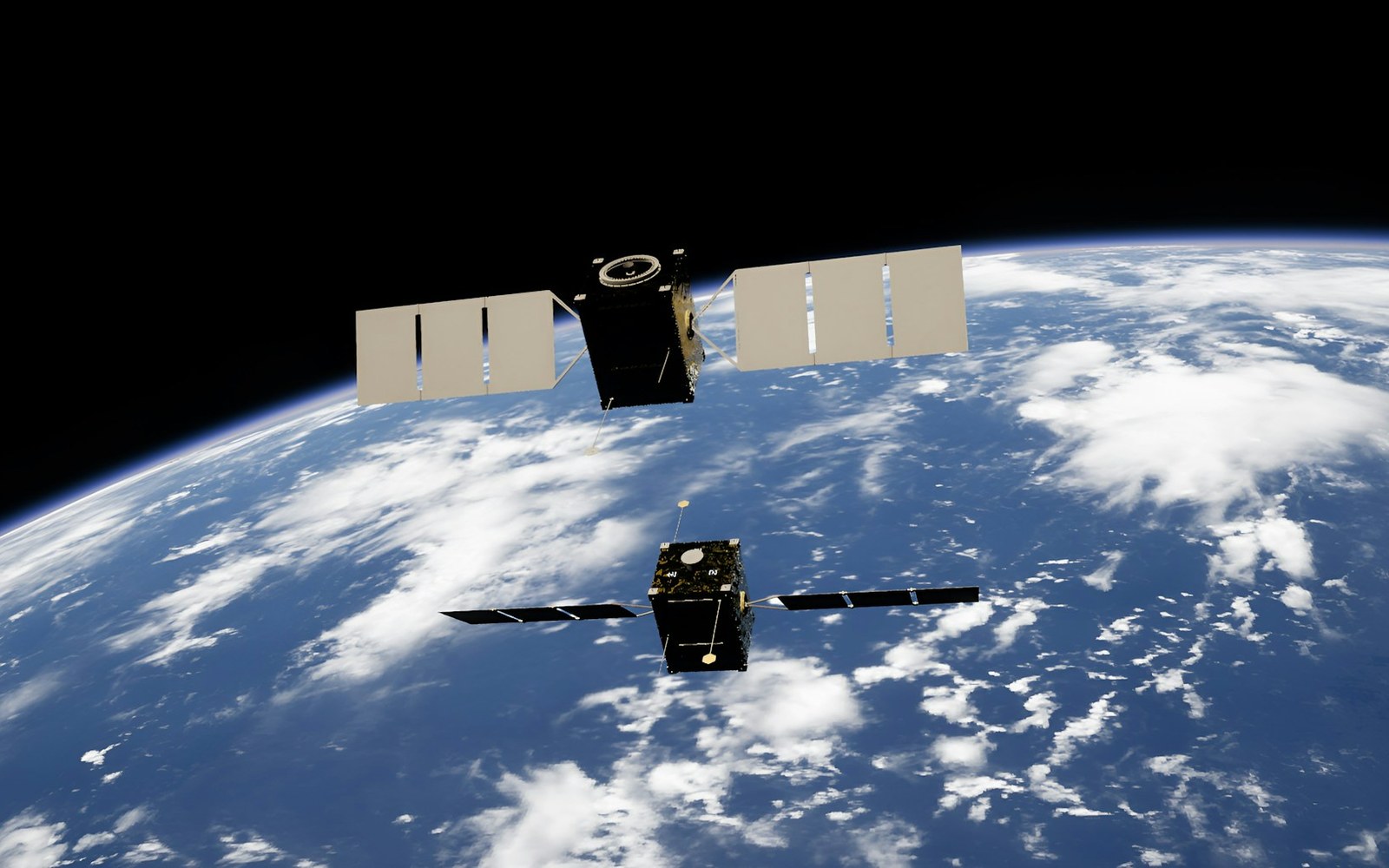
The sun has weather, and some of it reaches us. Here is how solar flares and the storms that follow can sink satellites, scramble GPS and even trip power grids, and how people keep watch.
Patterns in sound
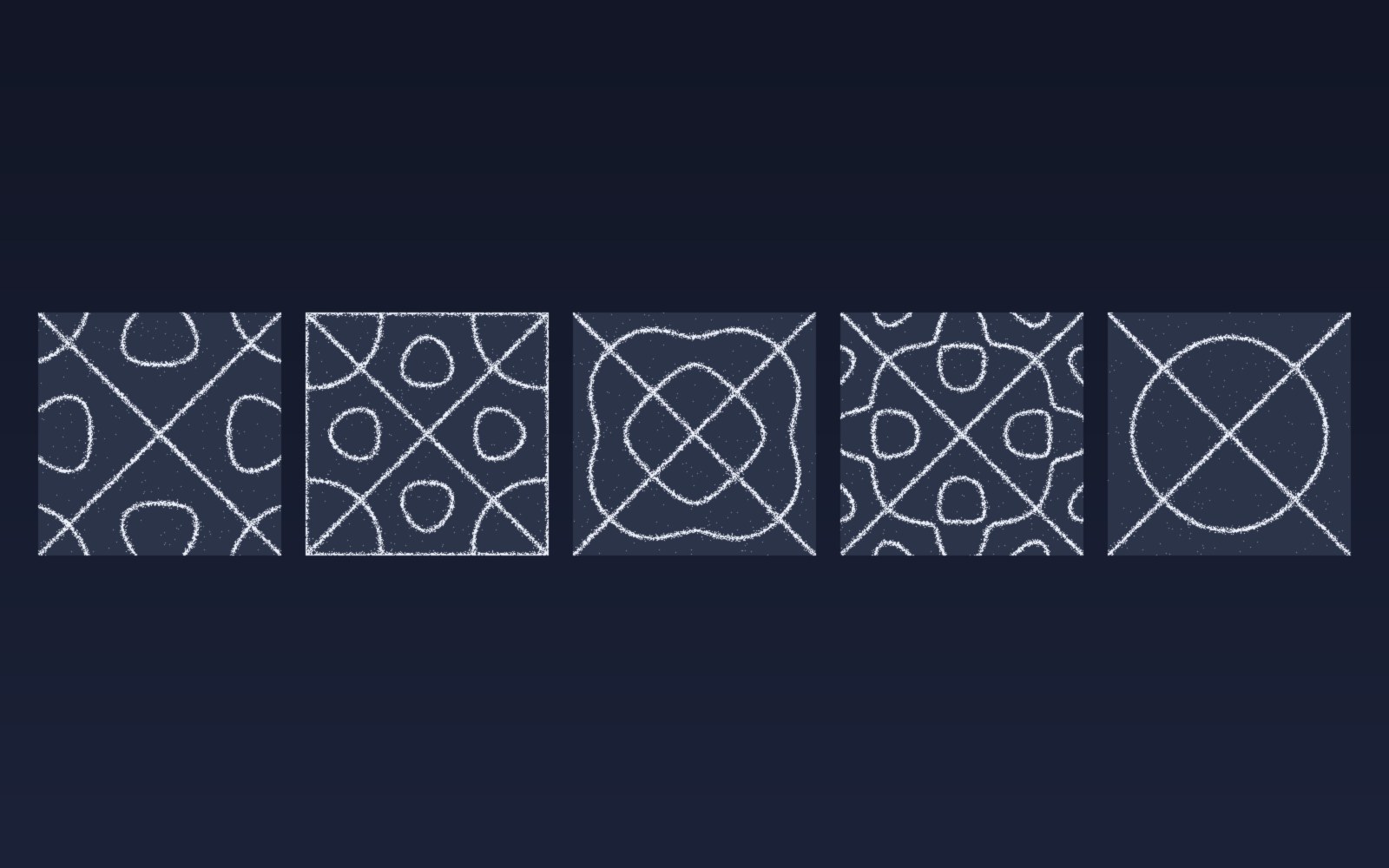
Sprinkle salt on a drum, play a steady note, and the grains slide into neat lines and rings. Here is why sound draws pictures, who first noticed, how to try it at home, and what all this has in common with a snowflake.
Most of the sound around you goes unheard
Human ears catch only a middle band of all the sound there is. Here is what we miss, which animals hear it, and why the hums and whines from our own gadgets can still get under our skin.
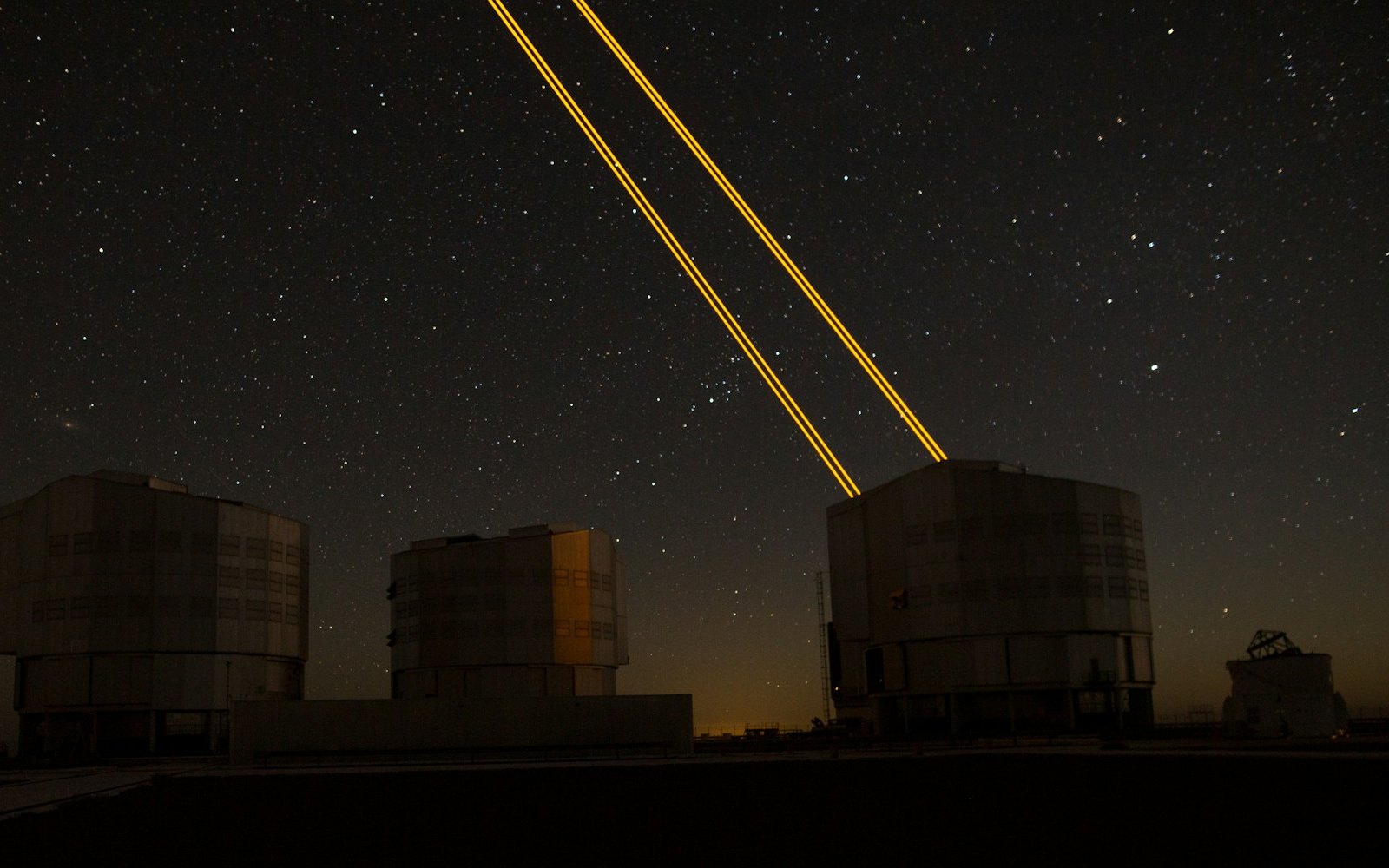
What is LaserSETI?
LaserSETI is a growing network of rooftop cameras that watch huge patches of the night sky for a single-color flash of light. Here is how it works, where the stations are in 2026, and what it has (and has not) found.
Most of the light around you is invisible
Our eyes catch only a thin band of all the light there is, from violet to red. Here is what we miss, which animals see more of it, and how we use the invisible rest every day.
The science of music
Why a good chorus gives you chills, why the Mozart effect fizzled, and why some songs refuse to leave your head. Here is what the research actually says about music, mood and focus.
Bill Nye is still teaching
A science show from the 1990s is still turning up in classrooms. Here is what Bill Nye the Science Guy was, why so many grownups remember it so fondly, and why teachers keep pressing play.
Why is the sky blue?
The sky is blue because the tiny bits of gas in the air reflect blue sunlight around much more than red light, so blue reaches our eyes from every part of the sky.
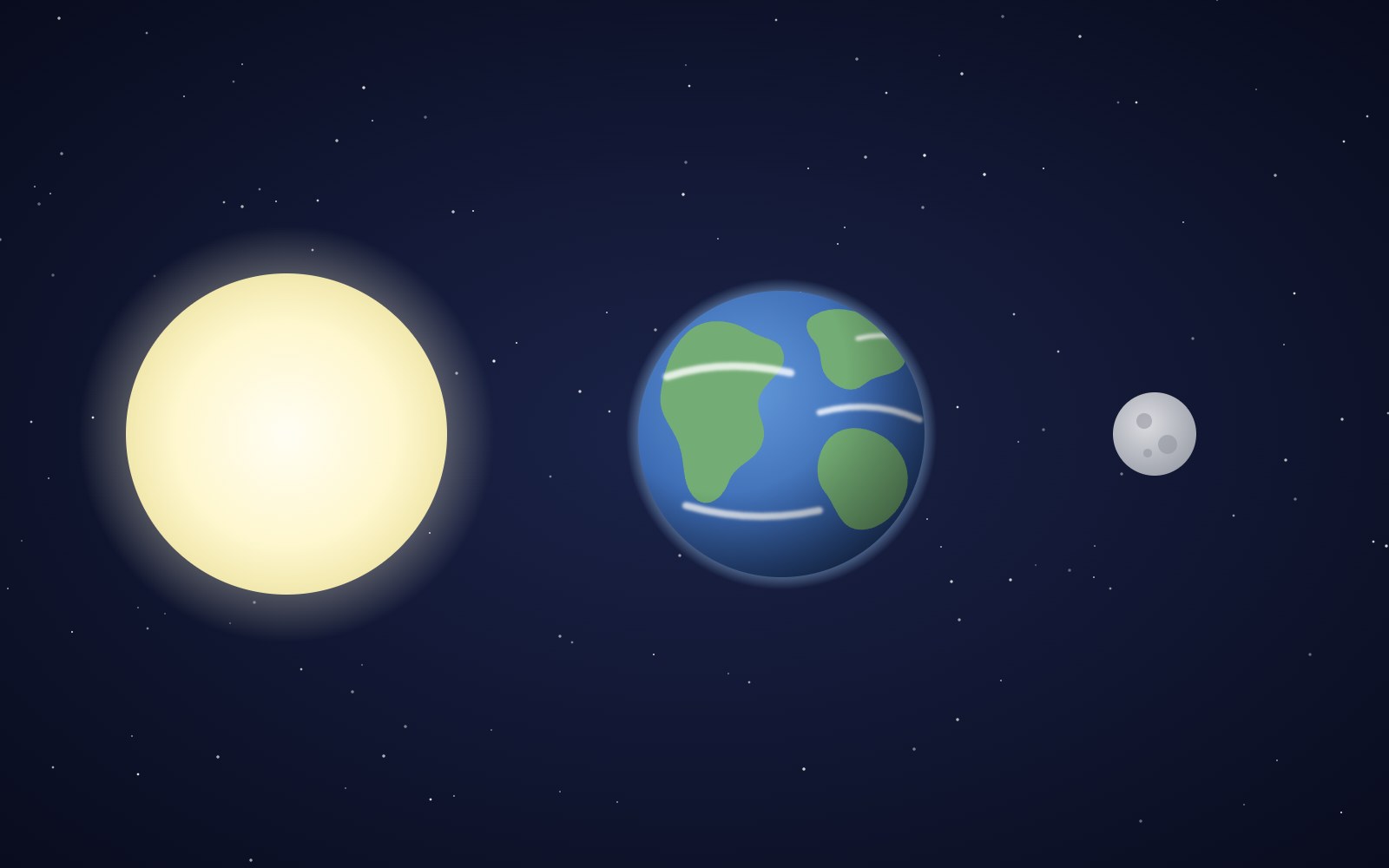
Why the sun and moon look the same size
The sun is about 400 times wider than the moon and also about 400 times farther away, so the two discs look almost the same size in our sky. That match is a coincidence of timing, and it will not last forever.
Bees fly more like drones than planes
A bumblebee stays in the air the way a drone or helicopter does, by moving its wings fast instead of racing forward over a stiff wing.
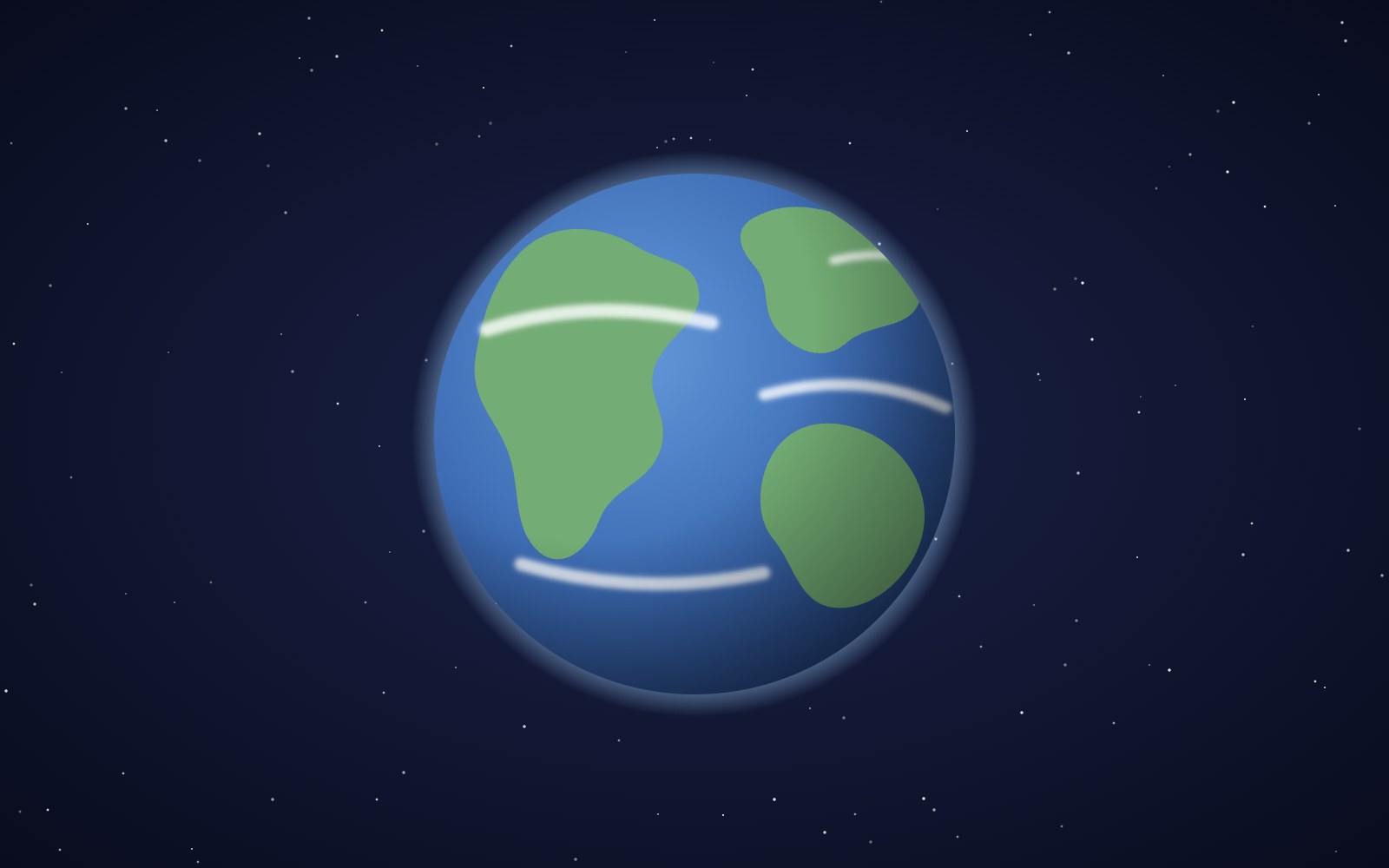
The earth is, in fact, actually round
You can check that Earth is round from a beach, a campsite or a phone call to a friend in another time zone. People worked it out more than two thousand years ago, and one of them even measured it with shadows.
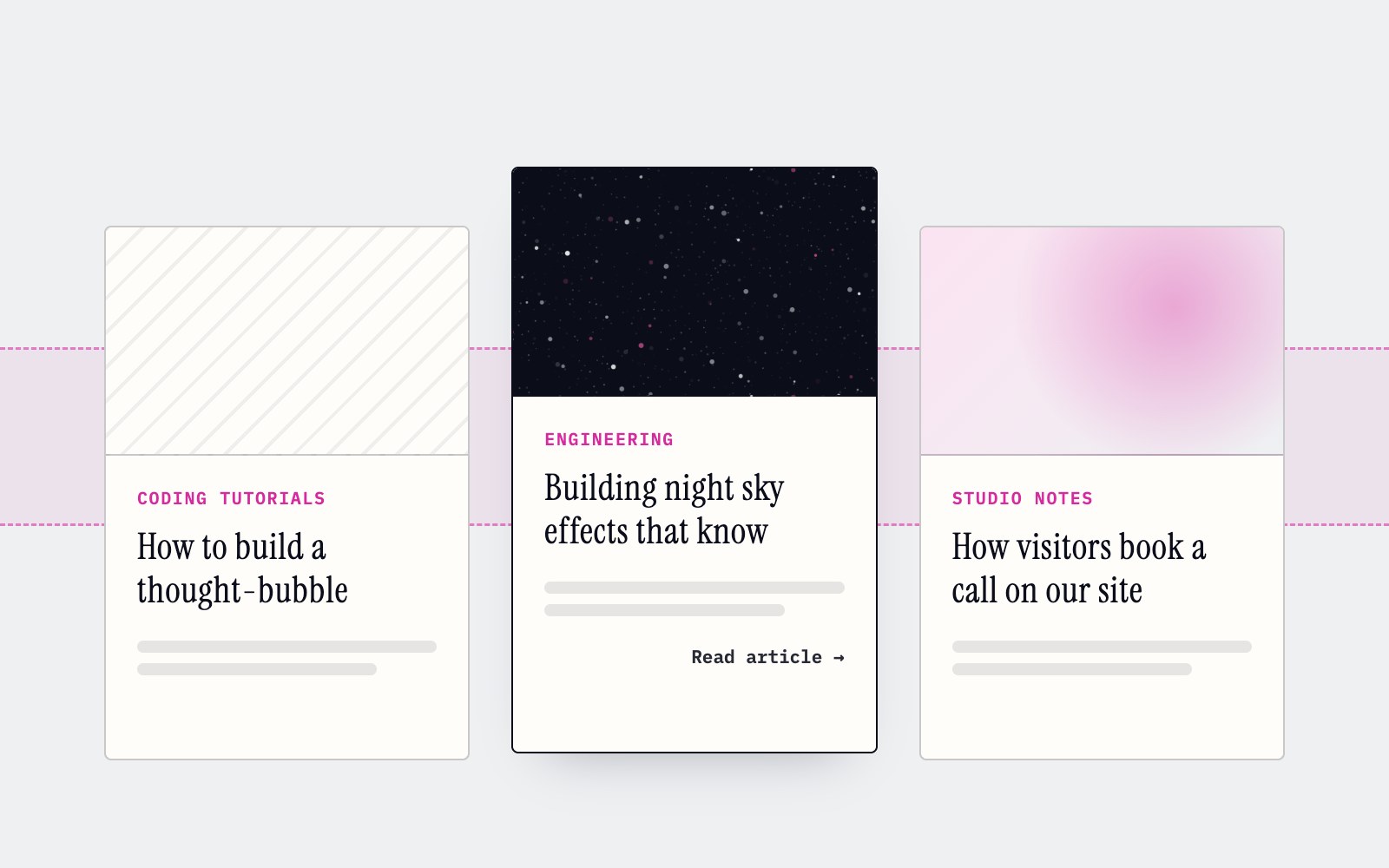
How to make cards lift as you scroll on a phone
Phones can't hover, so our blog cards used to sit flat on mobile. Here's the small CSS class and IntersectionObserver we use to lift whichever card is in the middle of the screen as you scroll.
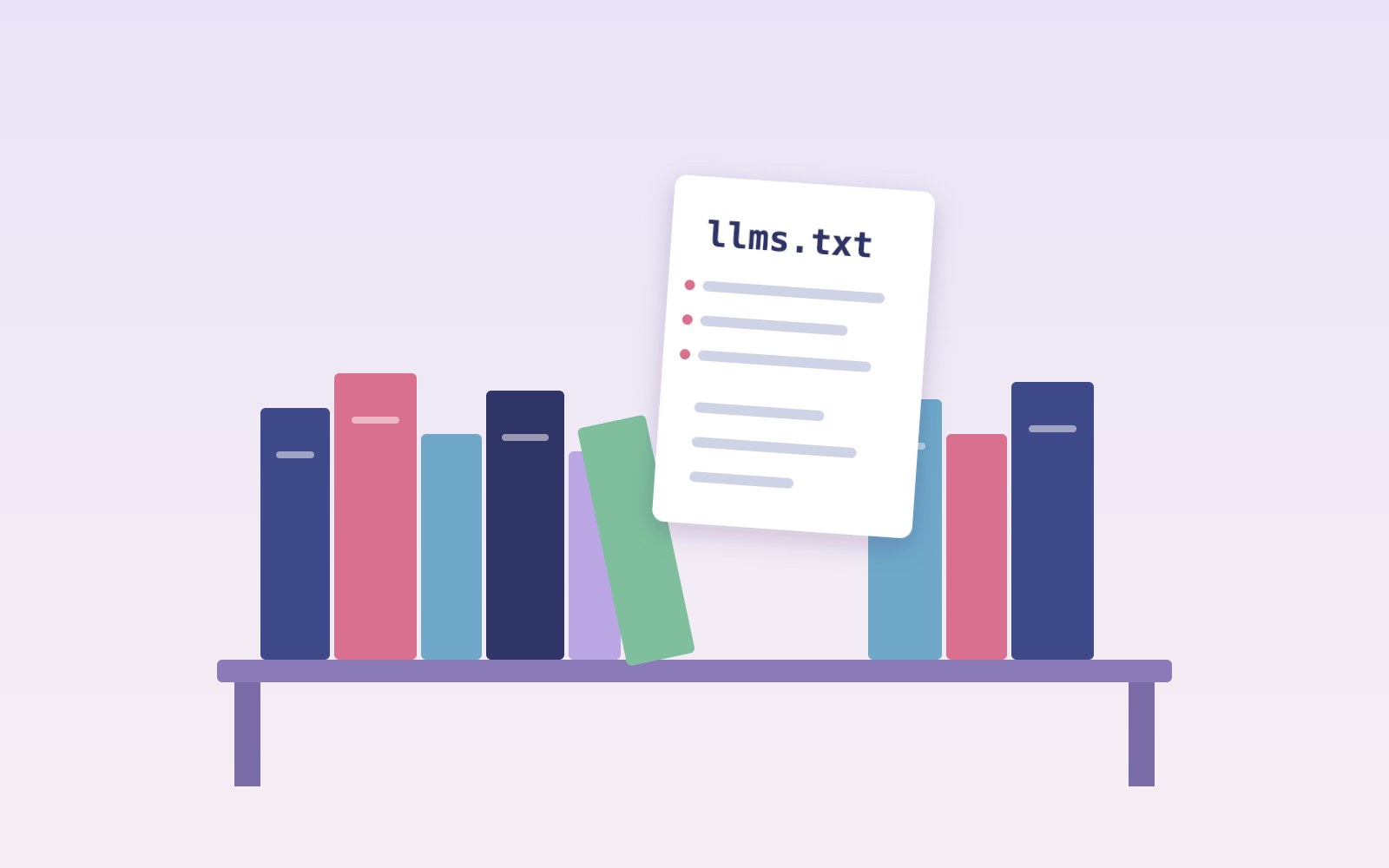
What llms.txt is, and how we added one to our site
A plain-English look at llms.txt, the proposed markdown file that gives AI assistants a short map of your site, what it can and can't promise, and how we wrote and tested our own.
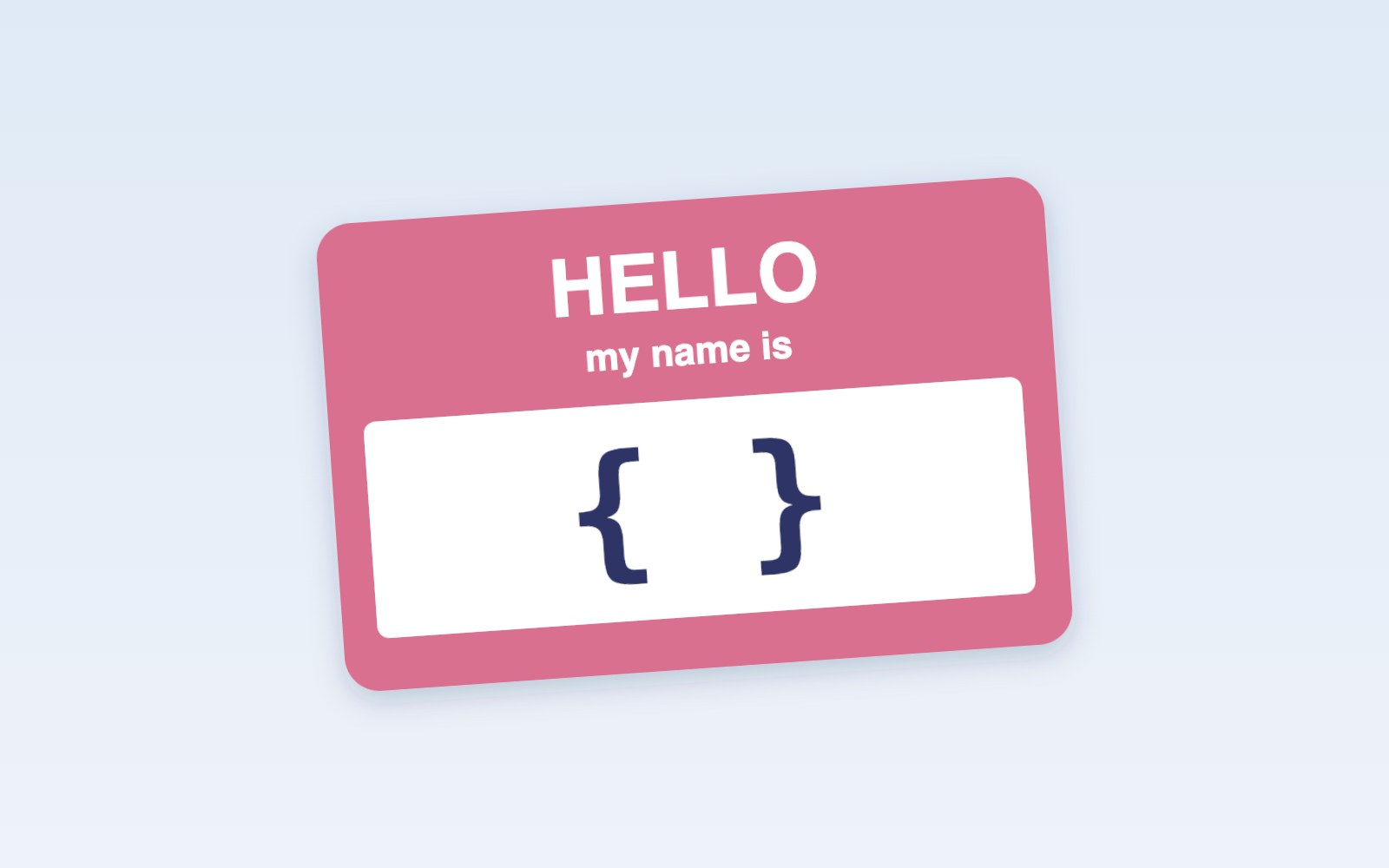
Tell Google who you are with a few lines of code
Small business names collide, and search engines have to guess which one you meant. Organization structured data is one way a site owner can stop them guessing. Here's what it is, what we put in ours, and how to test it.
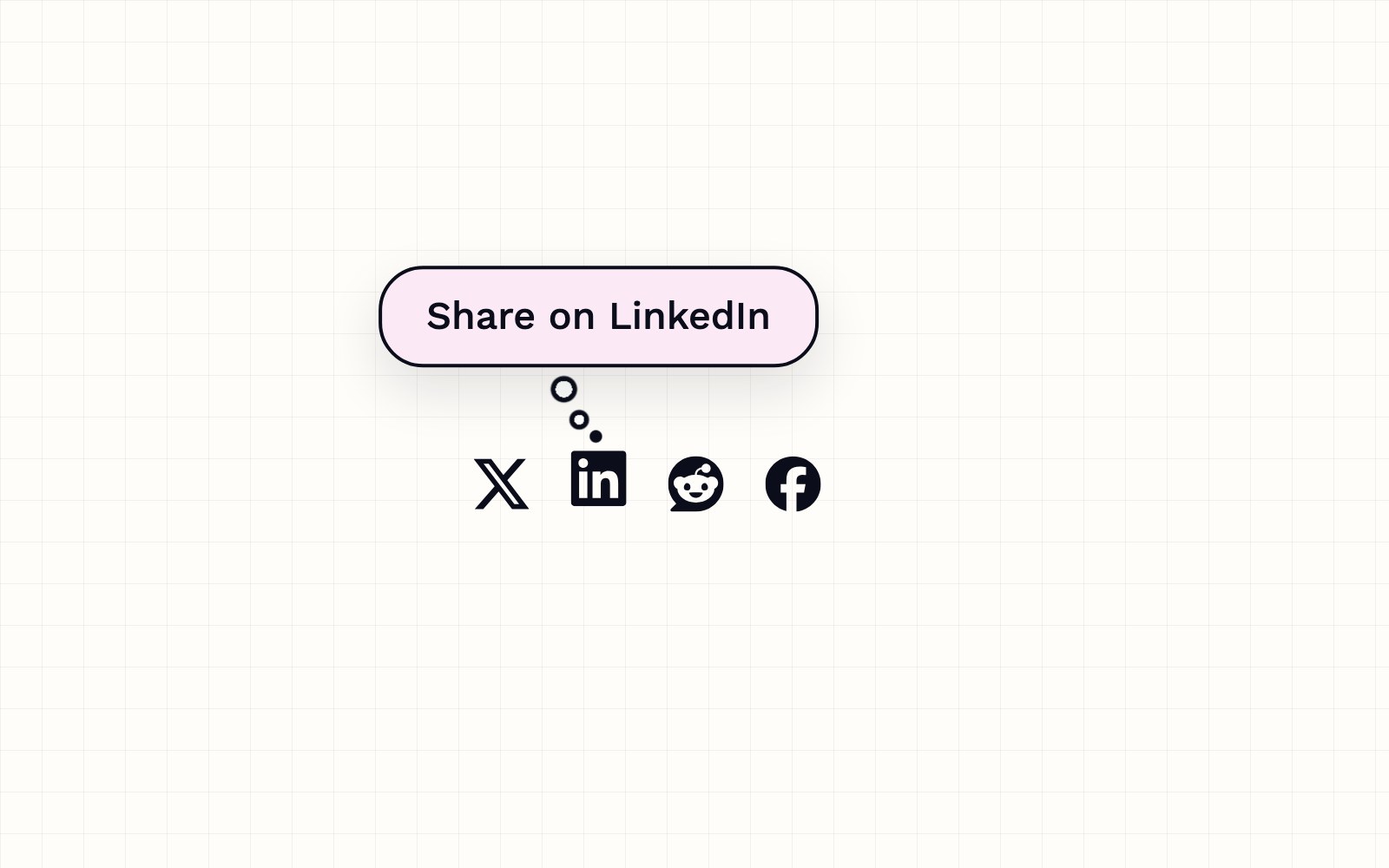
How to build a thought-bubble tooltip with pure CSS
A step-by-step CSS tutorial for a tooltip that reads its label from a data attribute, pops up in a rounded bubble, trails off in three little circles and stays clickable, with no JavaScript.
How you can set up pull requests to get an automatic first review
Give every pull request an automatic first review the moment it opens, and send each new pull request and its review to a dedicated Slack channel. Here is how the pieces fit.
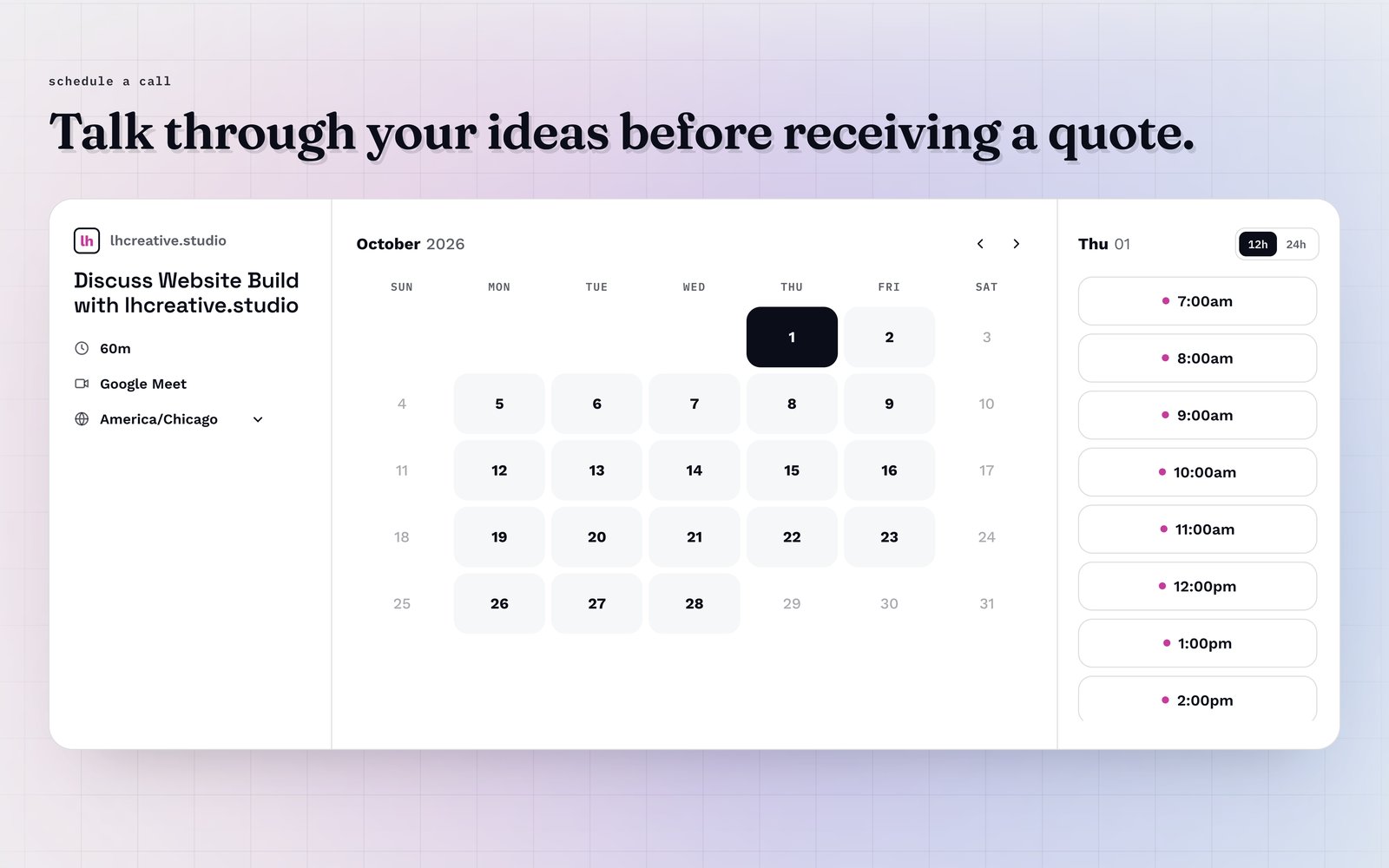
How visitors book a call on our site
Picking a time with us takes a few clicks and never leaves the page. Here is how the booking calendar on our site works, and the small checks that stop two people grabbing the same hour.
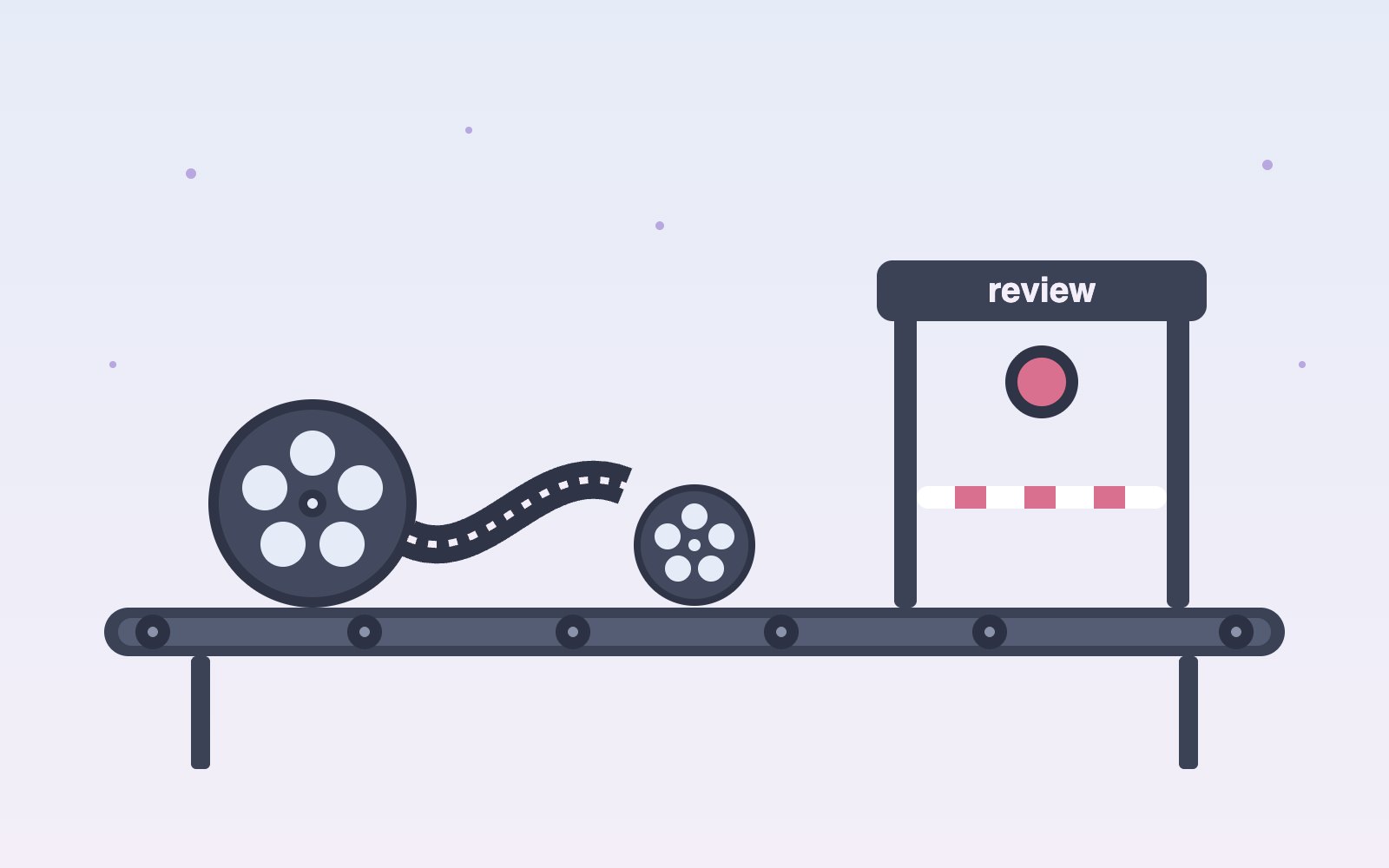
Inside our resumable, review-gated video production pipeline
How we built a local seven-step pipeline that turns a history topic into a captioned video, with resumable state, bounded retries, and a human review gate.
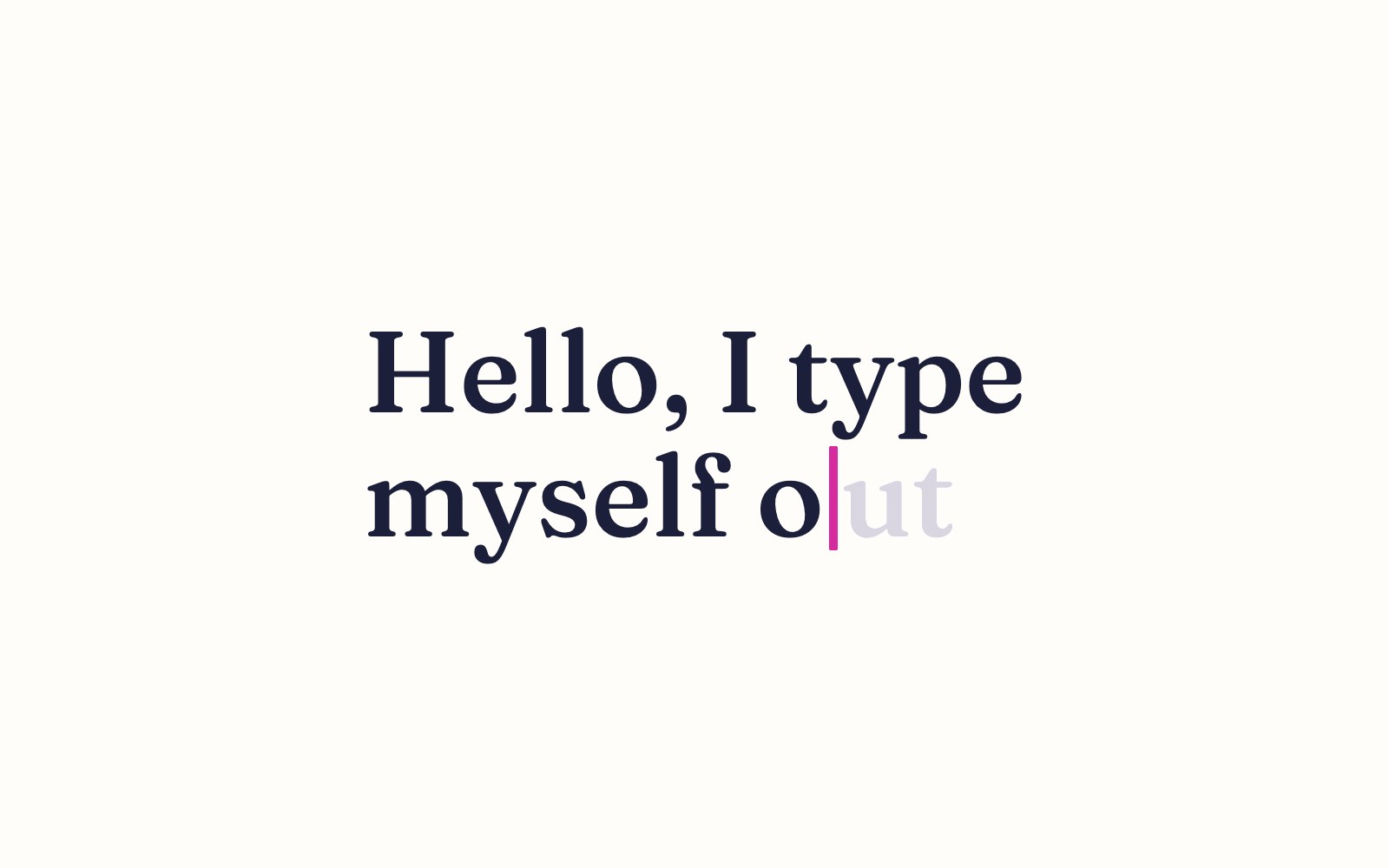
How to make a headline type itself out
Build a headline that types itself out letter by letter with a blinking cursor, using plain HTML, CSS and a few lines of JavaScript.
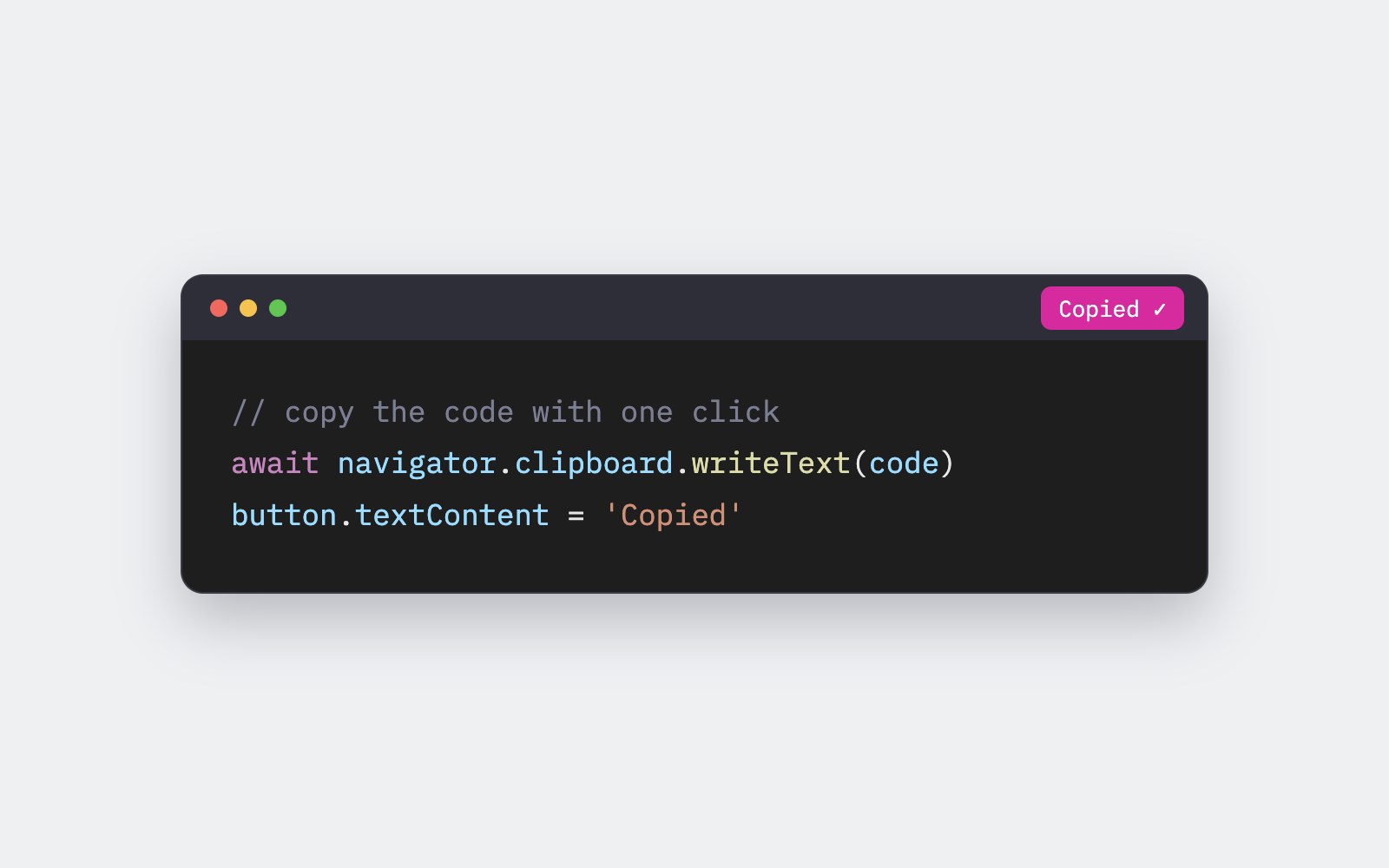
How to add a copy button to code blocks
Add a small Copy button to every code block on your page that copies the code, says Copied for a moment, and tells screen reader users what happened.

How to make a confetti burst on click
A no-library tutorial for a small burst of colorful confetti that pops out from the exact spot where someone clicks a link or button.
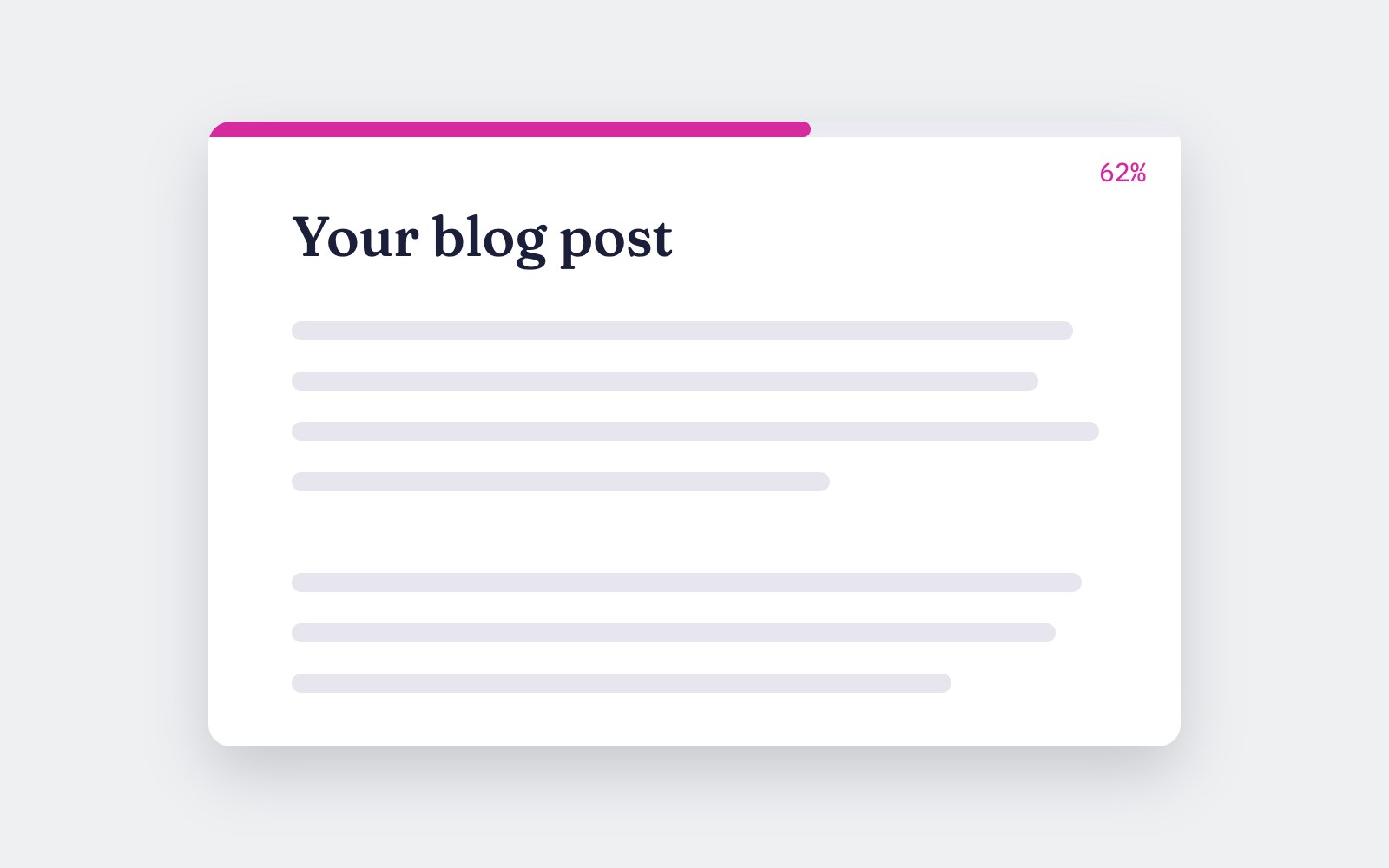
How to add a reading progress bar
Build a thin pink bar that fills across the top of the screen as someone reads your article, with a small JavaScript version and a pure CSS version for browsers that support scroll-driven animations.
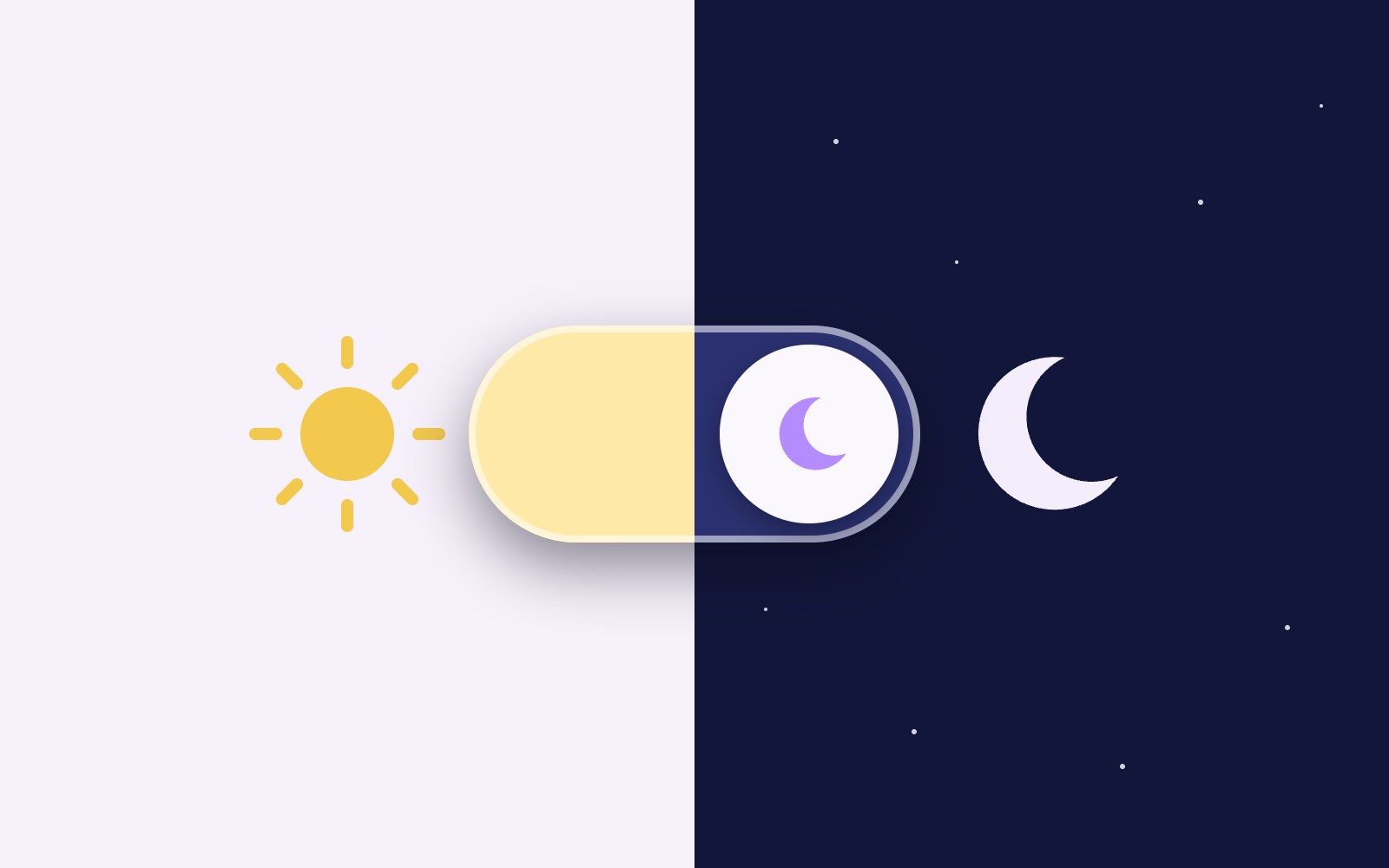
How to build a dark mode toggle
A step-by-step tutorial for a dark mode that follows your visitor's device setting, adds a toggle button that saves their pick in localStorage, and never flashes the wrong theme on load.

How to make a glowing border spin
A pure CSS tutorial for a card with a pink, purple and blue gradient border that spins around the edge and glows softly, with a calm static version for people who prefer less motion.